11
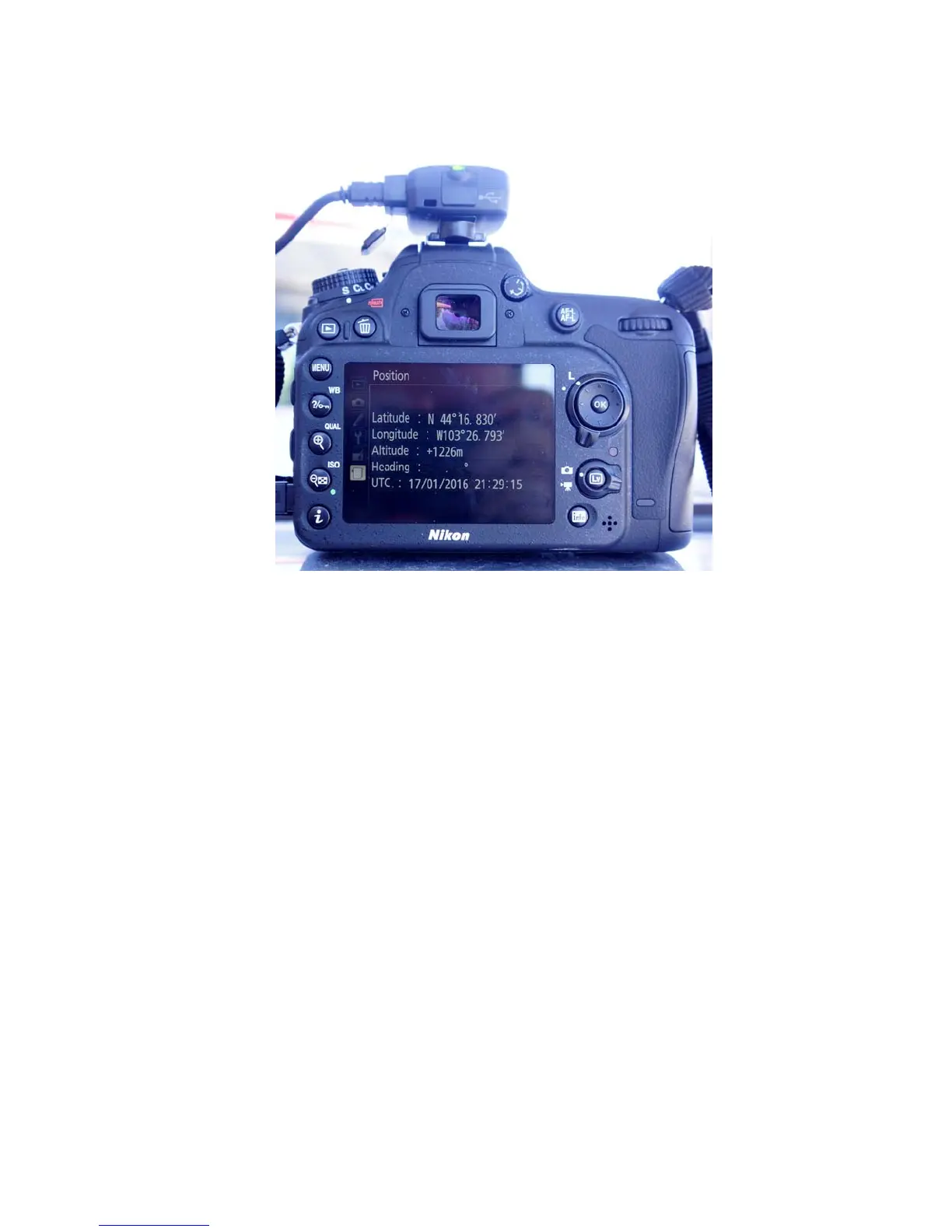
7. Righttoggle“Position”toseethelocationscreen
IfyoudonotseeLatitudeandLongitudedatathatmeansthattheGPShasn’tpickedupa
strongsignalyet.ThatalsomeansthattheflightontheGPSislikelyflashingred.Takethe
cameraoutsideforafewminutestogetagoodsignal.
TheGPSusesthecamerabatteryveryfast.Makesurethatthecamerahasafullchargeand
don’tleavethecameraonexceptwhenpreparingorexecutingamission.Takeanextra
batteryorthebatterypack.
TheGPSdoesNOTmakeatrack,itonlyrecordsthepositiononthephoto’sEXIFfile.Ifyou
wantatrackusetheAMODDataLogger(seeAMODInstructions).



 To Previous Page