16
Live View
h Tripod
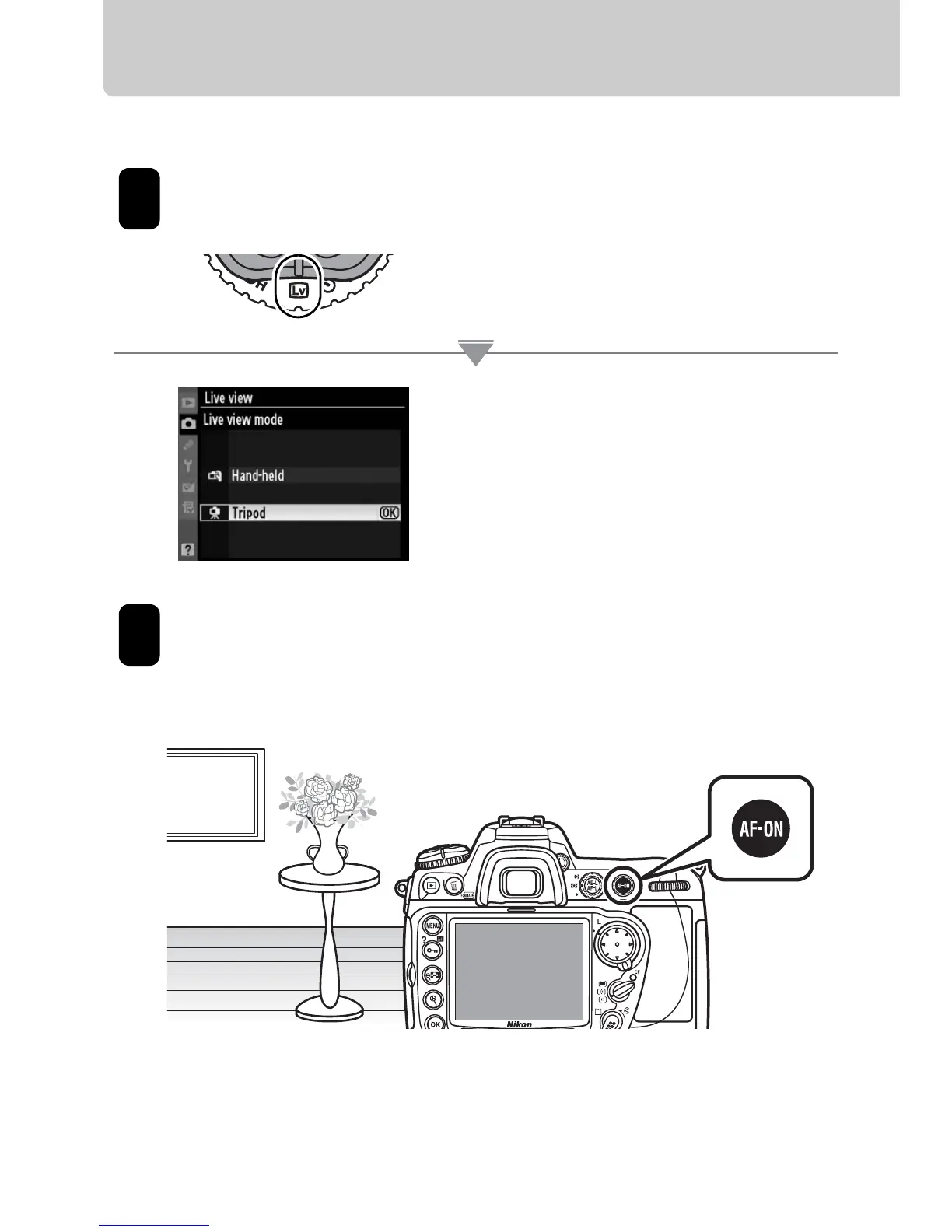
Choose [Tripod] mode.
Press the release mode dial lock
release and rotate the release mode
dial to a (live view).
In the shooting menu, select [Tripod]
for [Live view] > [Live view mode]. The
[Release mode] option in the [Live
view] menu can be used to choose
from single frame and continuous
release modes.
Frame the photograph.
1
2
Frame the photograph in the
viewfinder and press one of the B
buttons to focus.



 To Next Page
 Loading...











