Copy the firmware to the memory card
The firmware can be copied to the camera memory card either by connecting the
computer directly to the camera using the USB cable, or by removing the memory card
from the camera and inserting it in a card reader.
Important
Only one of the two sets of firmware (A or B) can be updated at a time. Use separate
memory cards for each set of firmware, or update firmware A as described below, then
format the memory card and repeat the process for firmware B.
Direct USB Connection
Note: Use the EH-5/EH-5a AC adapter or a fully-charged EN-EL3e rechargeable Li-ion
battery.
1
Turn the camera off and insert a formatted memory card. For information on
formatting memory cards, see the camera
User's
Manual
.
2
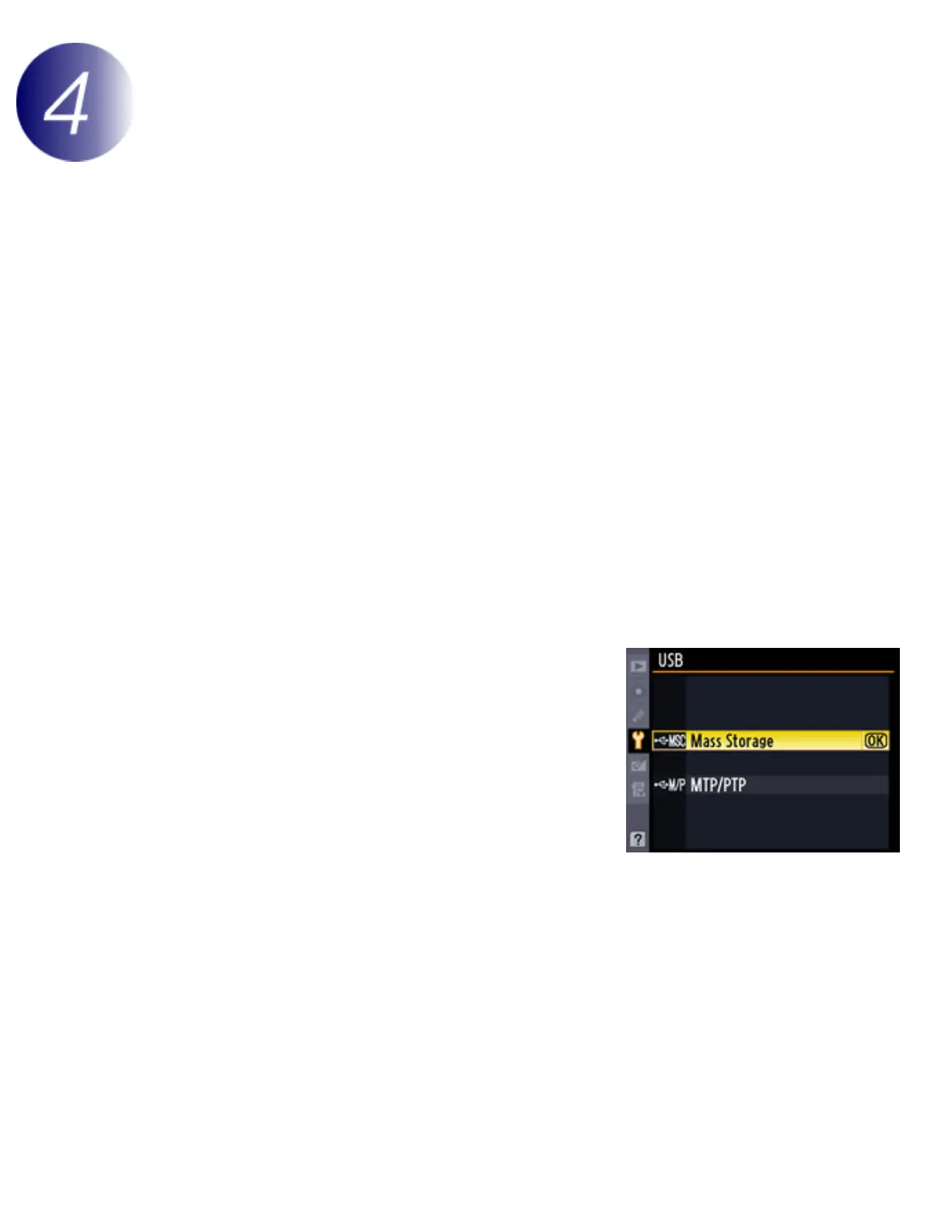
After turning the camera on, press the MENU
button, select the setup menu, and set the
USB option to Mass Storage.
3
Turn the camera off and connect the USB cable as shown below.



 To Next Page
 Loading...











