5
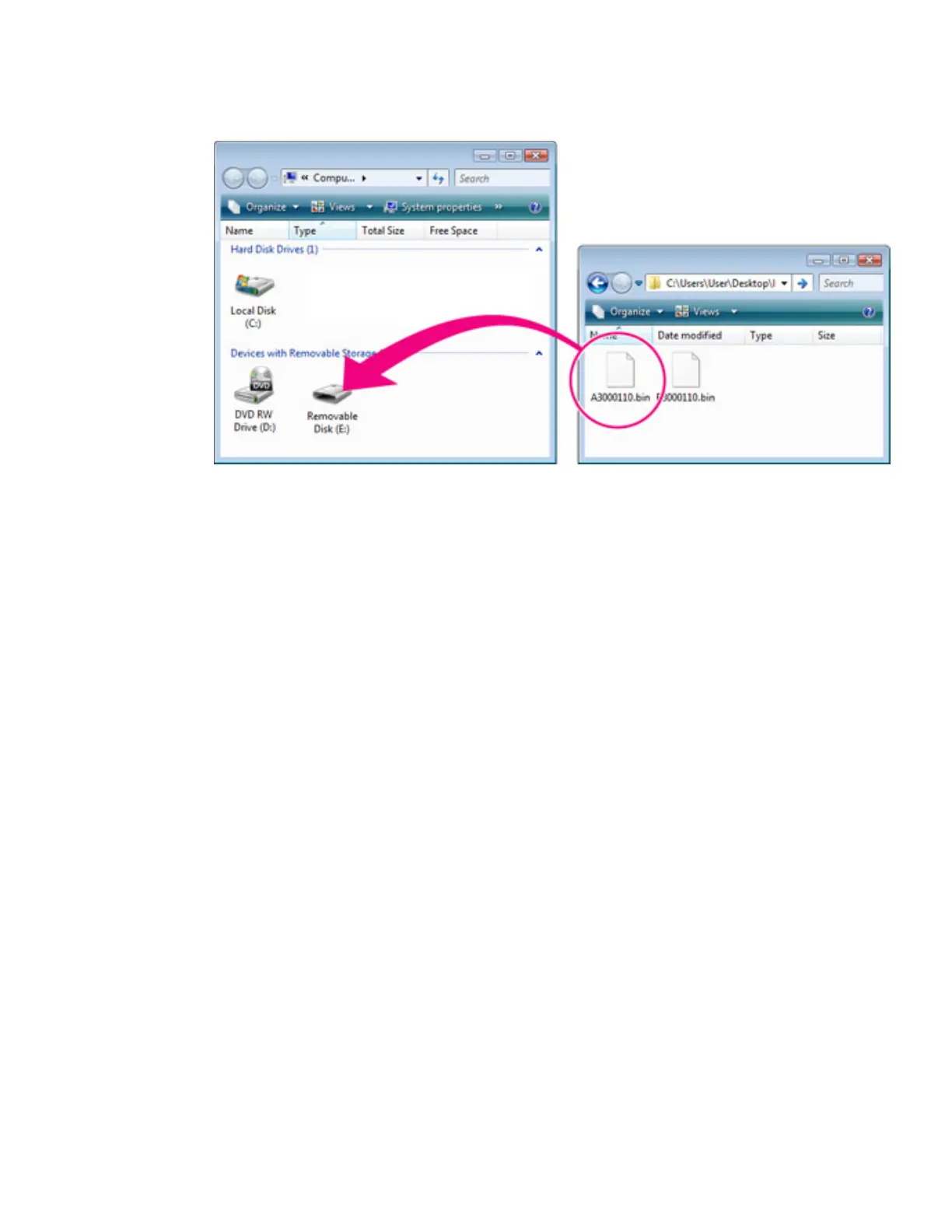
The camera will appear in “Computer” (Windows Vista) or “My
Computer” (Windows XP) as a removable disk. Copy “A3000110.bin” (A
firmware) or “B3000110.bin” (B firmware) from the “D300Update” folder to this
removable disk.
Drive letters may differ Illustration shows A firmware
When copying is complete, double-click the removable disk and confirm that
the file has been copied successfully.
6
Disconnect the camera from the computer.
For more information, see the camera
User's
Manual
.
Important
Be sure to copy the firmware to the root directory of the memory card. The camera will
not recognize the new firmware if it is placed in a folder under the root directory.
Card Reader
1
Connect the card reader to the computer and insert a formatted memory card.
If Nikon Transfer is installed, it will start automatically; to exit, select Exit from
the File menu.



 To Next Page
 Loading...











