190 Playback and Deletion
Selecting Multiple Pictures for Upload
To change the upload status of multiple pictures, use the Select
to send to smart device option in the playback menu when an
optional wireless mobile adapter is connected.
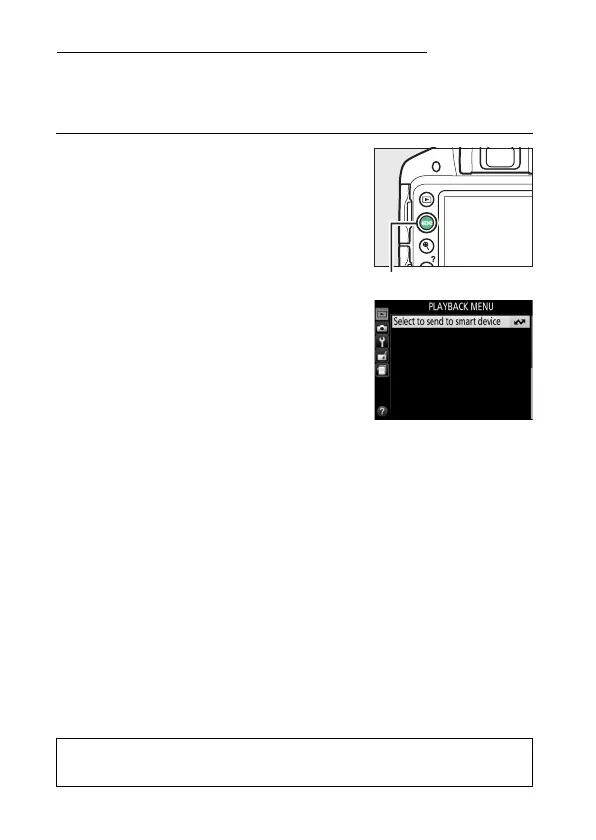
1 Choose Select to send to smart
device.
To display the menus, press the G
button.
Highlight Select to send to
smart device in the playback menu
and press 2.
A
The & Icon
The & icon will no longer be displayed when upload is complete.
G button



 To Next Page
 Loading...









