281N The Retouch Menu: Creating Retouched Copies
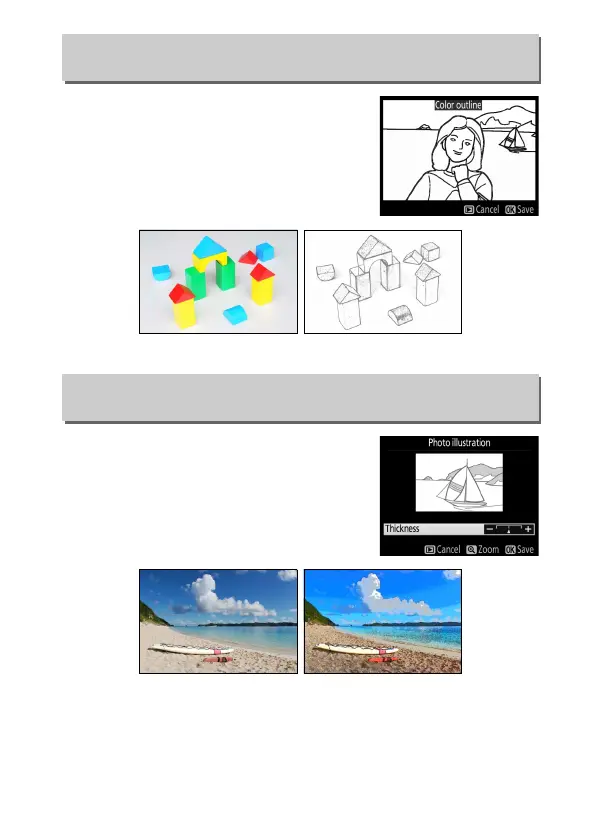
Create an outline copy of a photograph
to use as a base for painting.
Press J to
save the retouched copy.
Sharpen outlines and simplify coloring
for a poster effect. Press 2 or 4 to make
outlines thicker or thinner. Press J to
save the retouched copy.
Color Outline
G button ➜ N retouch menu
Before After
Photo Illustration
G button ➜ N retouch menu
Before After



 To Next Page
 Loading...









