9
Chapter 1: Getting Up and Running
Press OK or press the Multi Selector right to reveal options related
to the highlighted setting.
• When a value box is highlighted, press the Multi Selector up/down
to change the value. Press left/right to jump to the next value box.
• After making your selections on a screen, press OK.
( The later section “ Ordering from camera menus ” provides more help
with using menus.)
The date/time information is included as metadata (hidden data) in the
picture file. You can view metadata in some playback display modes (see
Chapter 9 ) and in certain photo programs, including Nikon ViewNX 2.
(Refer to Chapter 10 .)
7 . If using the 18–55mm kit lens, unlock and extend the lens.
The kit lens sold with the D3300 is a pancake lens, which means that
when you ’ re not shooting, you can retract the lens barrel so that the
camera takes up less space in your camera bag. Before you can take
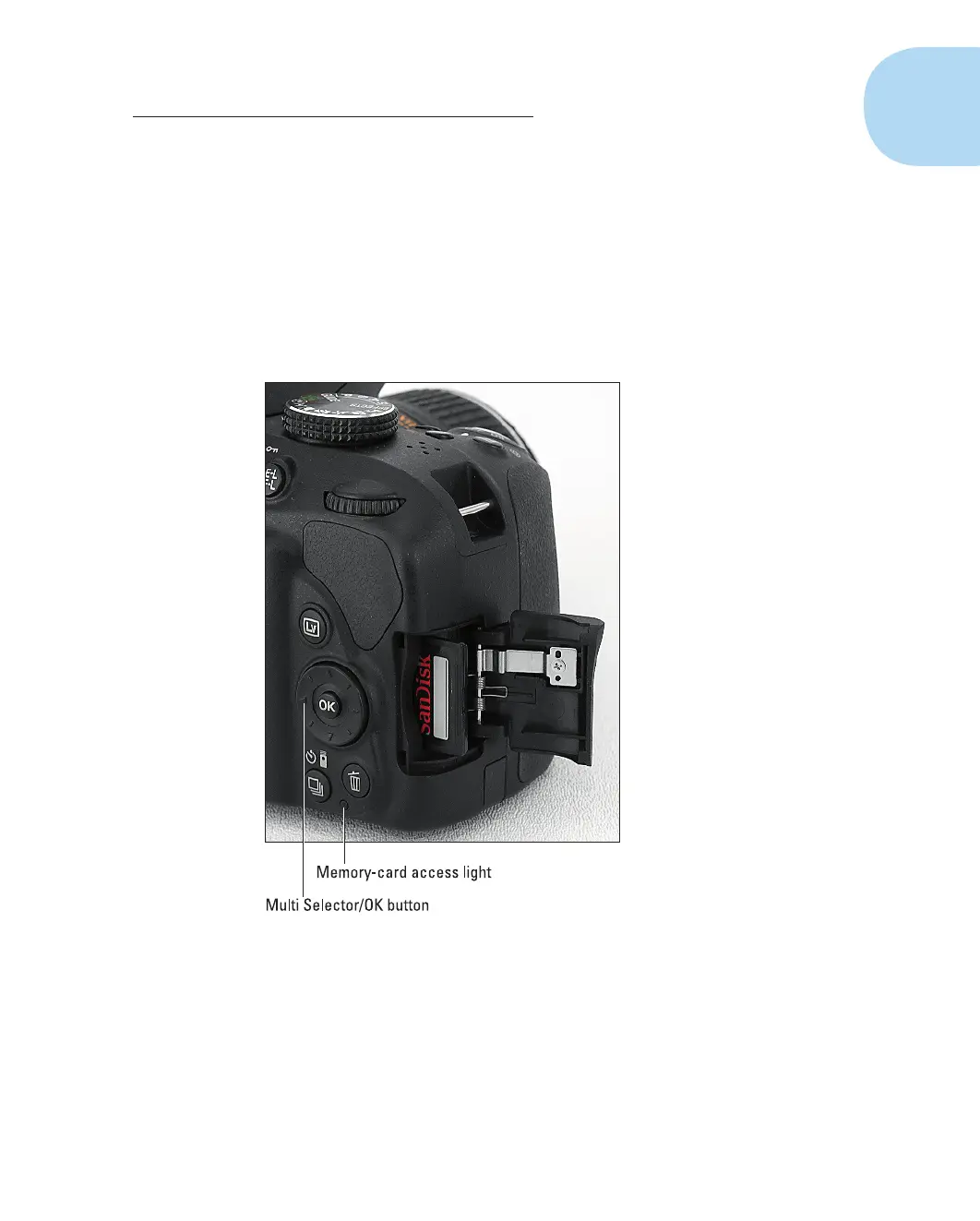
Figure1-2 : Insert the memory card with the label
facing the back of the camera.
05_9781118204979-ch01.indd 905_9781118204979-ch01.indd 9 4/29/2014 10:35:42 PM4/29/2014 10:35:42 PM



 To Next Page