269A Custom Settings: Fine-Tuning Camera Settings
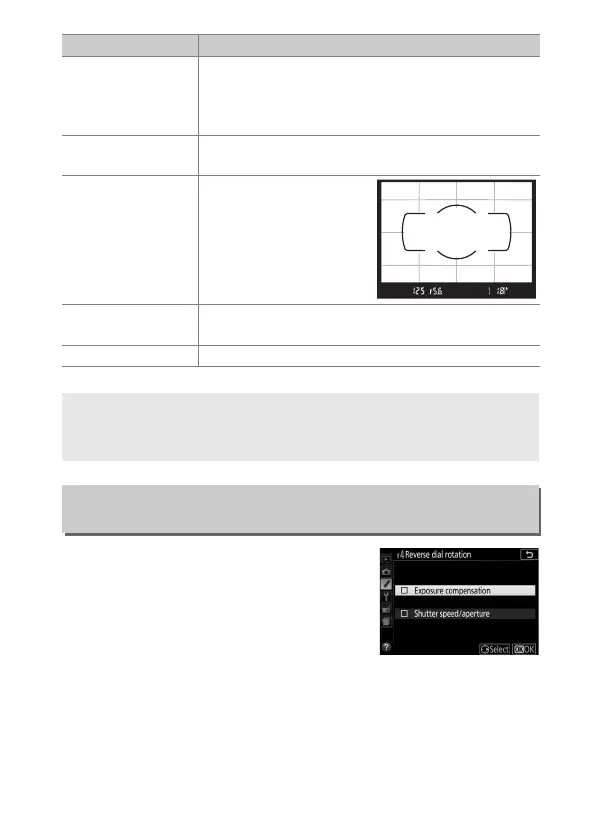
Reverse the direction of rotation of the
command dial when it is used to make
adjustments to exposure or flash
compensation (Exposure
compensation) and/or shutter speed
and aperture (Shutter speed/aperture).
Highlight options and press 2 to select or deselect, then press
J.
t
Auto
bracketing
Slide a finger over the touch Fn area to choose the
bracketing increment (exposure and white
balance bracketing) or to turn ADL bracketing on
or off (P, S, A, and M modes only; 0 148).
"
AF-area
mode
Slide a finger over the touch Fn area to choose an
AF-area mode (0 82).
'
Viewfinder
grid display
Tap the touch Fn area to
display or hide the
viewfinder framing grid.
% Aperture
Slide a finger over the touch Fn area to adjust
aperture (A and M modes only; 0 118, 119).
None Disable touch Fn.
D Touch Fn
Touch Fn is available only if Enable is selected for Touch controls
(0 276) and Info display auto off (0 278) is on.
f4: Reverse Dial Rotation
G button ➜ A Custom Settings menu
Option Description



 To Next Page
 Loading...












