105
Reference—Viewing Photographs
Deleting Individual Photographs
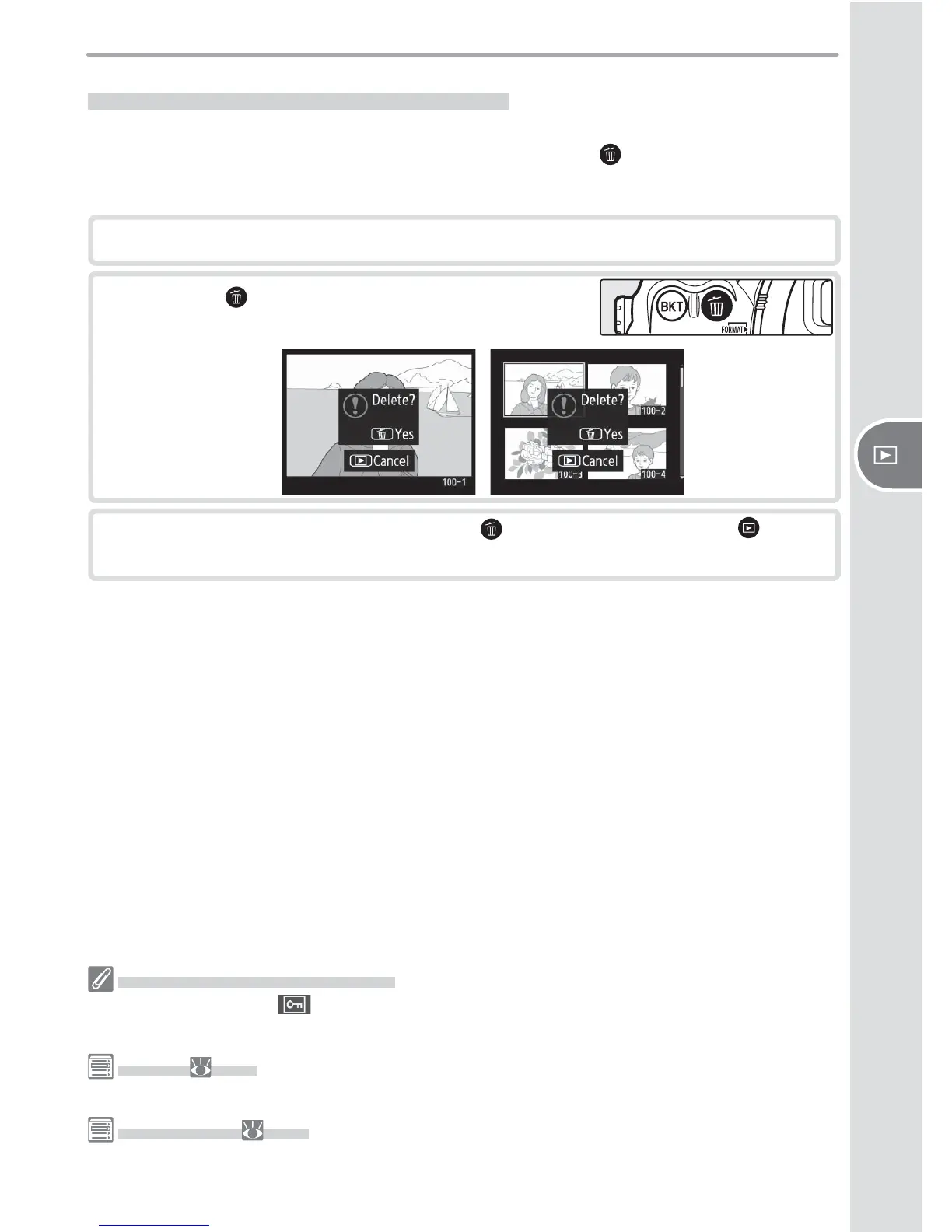
To delete a photograph displayed in single-image or zoom playback, or the pho-
to graph highlighted in thumbnail playback, press the button. Once de let ed,
photographs can not be recovered.
1
Display the image or highlight it in the thumbnail list.
2
Press the button. A confi rmation dialog will
be displayed.
3
To delete the photograph, press the button again. Press the button
to exit without deleting the photograph.
Protected and Hidden Images
Images marked with a icon are protected and can not be deleted. Hidden images are
not displayed in single-image or thumbnail playback and can not be selected for deletion.
Delete ( 133)
To delete multiple images, use the Delete option in the playback menu.
After Delete ( 142)
The After Delete option in the playback menu determines whether the next image or the
previous image is displayed after an image is deleted.



 To Next Page
 Loading...









