127
Setup The Shooting Menu
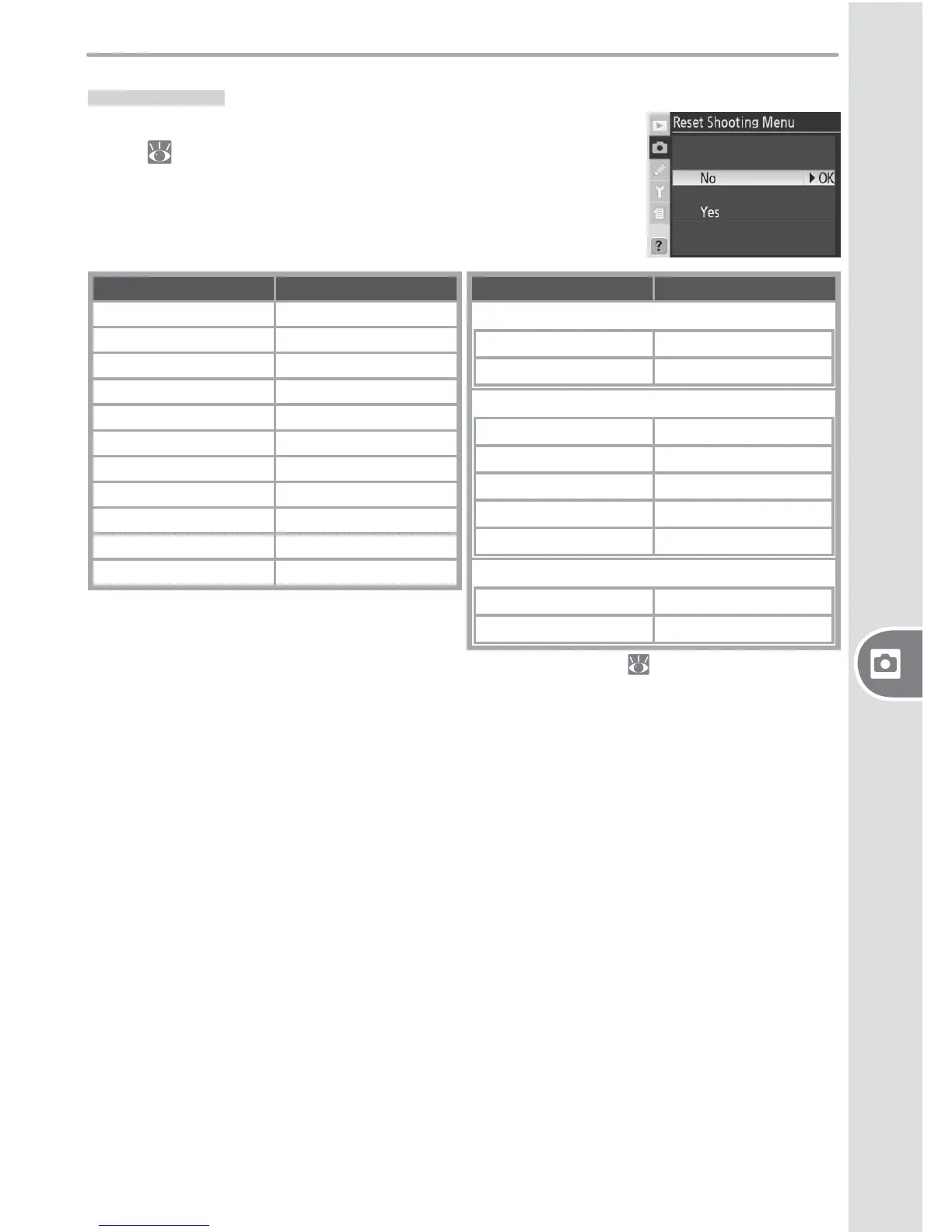
Menu Reset
To restore default settings for the current shooting menu
bank ( 125), highlight Ye s and press the multi selector
to the right (select No to exit without changing settings).
The following settings are aff ected:
Option Default
File naming DSC
Optimize Image Normal
Color space sRGB
Image quality
1
JPEG Normal
Image size
1
Large
JPEG compression Size Priority
RAW compression NEF (RAW)
White balance
1
Auto
2
Long Exp. NR Off
High ISO NR On (Normal)
ISO sensitivity
1
100
Option Default
Multiple exposure
3
Number of shots 2
Auto gain On
Interval timer shooting
4
Start time Now
Interval 00:01´:00˝
No. of intervals 1
No. of shots 1
Start Off
Non-CPU lens data
Focal length N/A
Maximum aperture N/A
1 Defaults can also be restored by performing two-button reset ( 97).
2 Fine tuning reset to 0.
3 Applies to all banks. Menu Reset can not be selected while shooting is in progress.
4 Applies to all banks. Shooting ends when reset is performed.



 To Next Page
 Loading...









