For automatic diaphragm lenses with no
coupling
ridge,
first set the shutter-speed dial for either automatic or
manual shutter speed selection. When using automatic,
next depress and hold the depth-of-field button to stop-
down the lens diaphragm and adjust the aperture ring
until the black needle indicates the desired shutter speed;
then,
while holding the button depressed, press and
hold the memory lock until the completion of the ex-
posure. When using manual operation, select the desired
shutter speed, depress and hold the depth-of-field but-
ton,
and (while holding the button depressed) adjust the
aperture ring until the meter needles in the finder over-
lap.
Whichever mocle of operation used, be sure to re-
lease the depth-of-field button prior to making the ex-
posure.
For bellows units, extension rings and preset lenses, set
the camera to the desired shutter speed (or to auto-
matic);
then,
stop down the lens manually until the me-
ter needles in the finder overlap (or the desired shutter
speed is indicated); when using automatic shutter speed
selection,
it may be necessary to press the memory lock
if the aperture is to be re-opened for focusing and/or
composition. Preset-type lenses include PC-Nikkor
lenses.
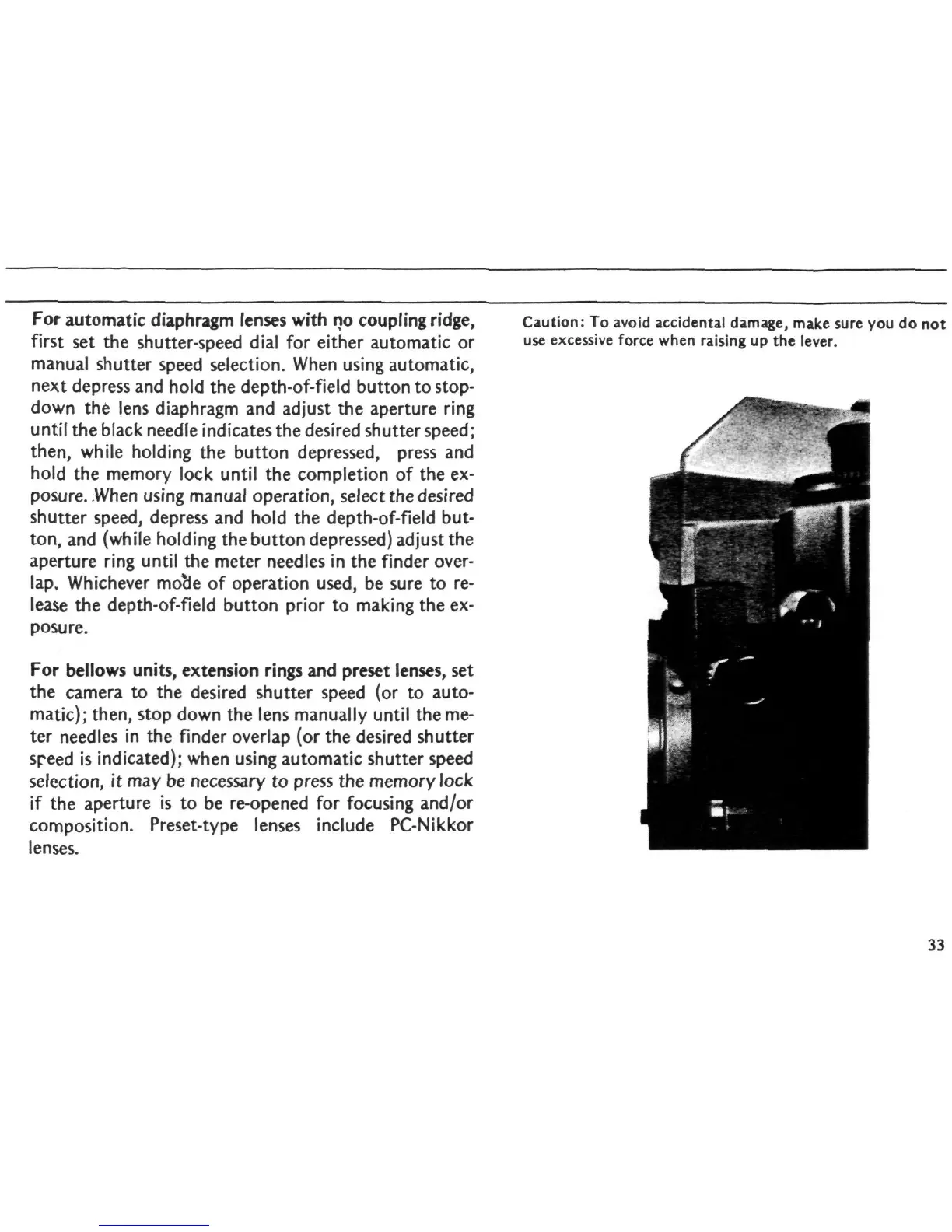
Caution:
To avoid accidental damage, make sure you do not
use excessive force when raising up the lever.
0T\
33














 To Next Page