Connecting the Optional MC-DC2
Connecting the Optional MC-DC2
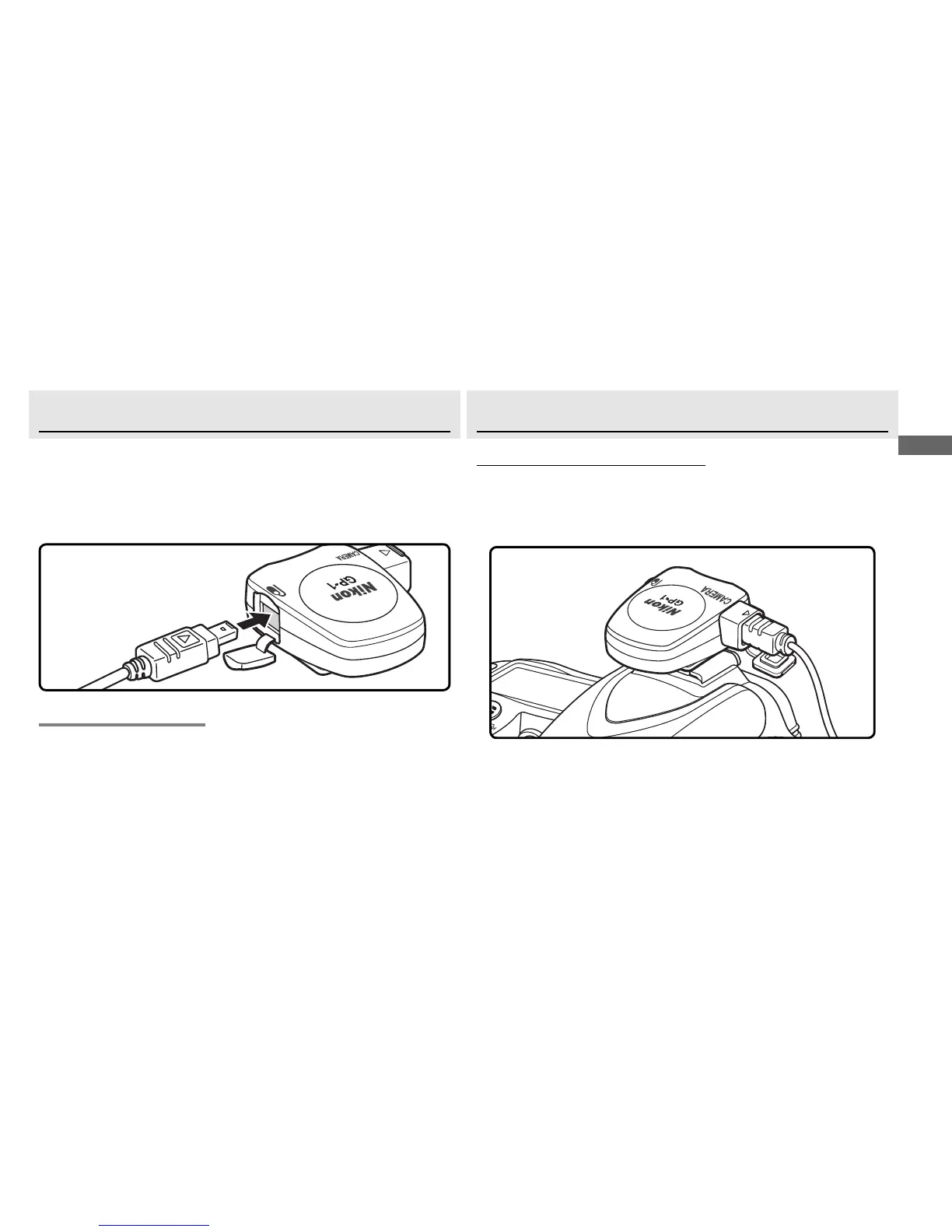
An optional MC-DC2 remote cord for remote shutter re-
lease can be connected to the GP-1 accessory terminal
(햵).
When connecting the MC-DC2, be sure the con-
nector is in the correct orientation; do not use force.
Mounting the GP-1 on the Camera
Mounting the GP-1 on the Camera
The Camera Accessory Shoe
The Camera Accessory Shoe
The GP-1 is equipped with a mount (햶) that fi ts the
camera accessory shoe.
Slide the GP-1 onto the cam-
era accessory shoe as shown.
Disconnecting the GP-1
Turn the camera off , disconnect the cable, and then re-
place the ten-pin terminal cap or close the accessory
terminal cover.



 To Next Page