TIME
LAPSE
t&
i$
Time
lapse
photography,
the taking of a
series
of
photo-
graphs
over a
period
of time
from
a
fixed
position,
is
easily
accomplished
with
your
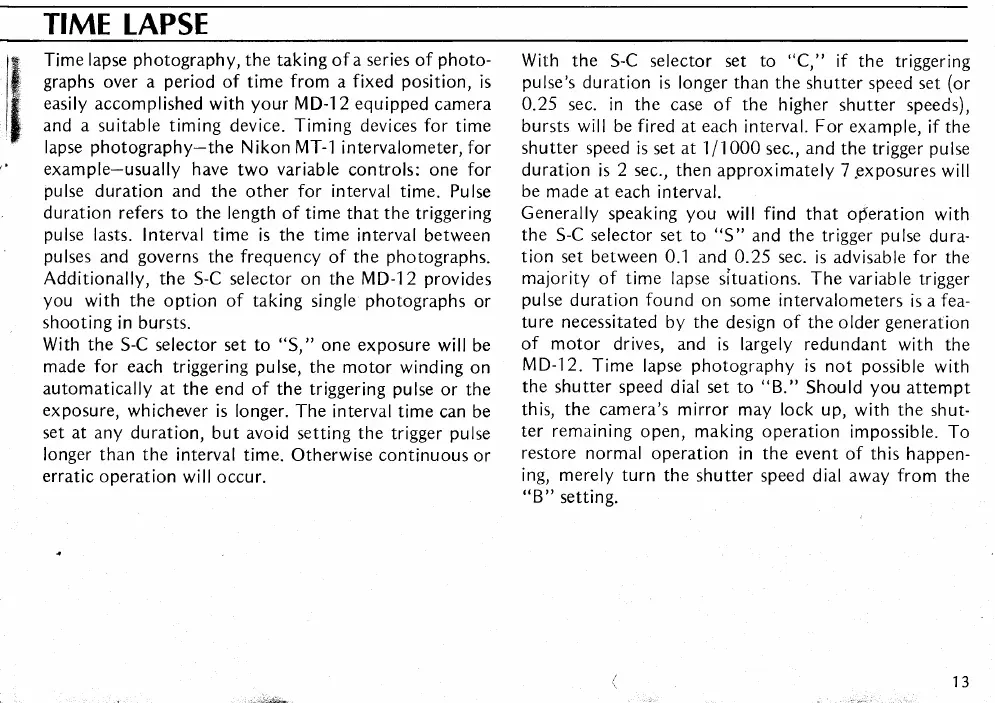
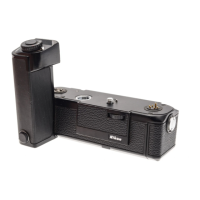
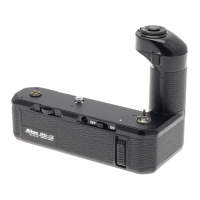
MD-12 equipped
camera
and
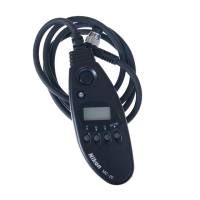
a suitable timing device. Timing devices for
time
lapse
photography-the
Nikon MT--l
intervalometer, for
example-usually
have
two
variable
controls: one for
pulse
duration and the
other
for interval
time. Pulse
duration refers
to the length of time
that
the
triggering
pulse
lasts.
Interval
time
is the
time
interval between
pulses
and
governs
the frequency
of the
photographs.
Additionally, the
S-C
selector on the MD-12
provides
you
with the option of taking
single
photographs
or
shooting
in
bursts.
With the
S-C selector set to
"S,"
one
exposure
will
be
made for each
triggering
pulse,
the motor
winding
on
automatically
at the
end
of
the triggering
pulse
or the
exposure,
whichever is longer.
The interval time
can be
set at any
duration, but avoid
setting
the
trigger
pulse
longer than the
interval
time. Otherwise continuous
or
erratic
operation
will
occur.
With the
S-C
selector
set
to
"C,"
if the triggering
pulse's
duration
is longer than the shutter
speed set
(or
0.25
sec. in the case
of the higher
shutter speeds),
bursts will
be
fired
at
each
interval.
For example,
if the
shutter speed
is set at 1/1000
sec.,
and
the trigger
pulse
duration
is
2 sec.,
then
approximately T.exposures
will
be
made
at
each
interval.
Generally
speaking
you
will
find
that operation
with
the
S-C selector set to
"S"
and
the
trigger
pulse
dura-
tion
set between 0.1
and
0.25
sec.
is advisable
for
the
majority
of time lapse
situations. The variable
trigger
pulse
duration
found
on some intervalometers
is
af ea-
ture necessitated
by
the
design of the older
generation
of
motor
drives, and
is largely redundant
with the
MD-l2.
Time
lapse
photography
is not
possible
with
the shutter
speed dial set to
"B."
Should
you
attempt
this, the camera's mirror
may lock up,
with
the
shut-
ter remaining
open, making operation
impossible.
To
restore normal
operation
in
the event
of this
happen-
ing,
merely turn
the
shutter speed dial away
from
the
"B
" setting.


 To Next Page