EasyManua.ls Logo

Nikon MD-12 - Page 7

Nikon MD-12
19 pages
Print Icon
To Next Page IconTo Next Page
To Previous Page IconTo Previous Page
Loading...
ATTACHING
THE
MOTOR
DRIVE
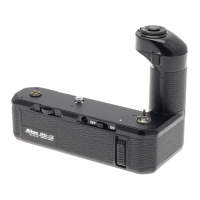
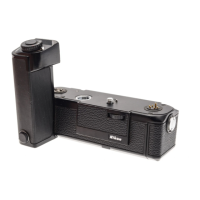
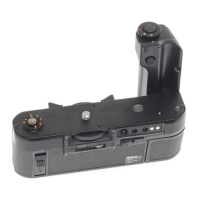
Mounting
the M
D-l 2
on
your
camera
is
simple;
the
u nit
has been
designed
such
that it can
be
attached
or removed
at
any
time
regardless
of
whether
or not
the
camera
is
loaded
with
film. Before
attaching
the
MD-12,
make
sure
that
its
power
switch
is turned
off.
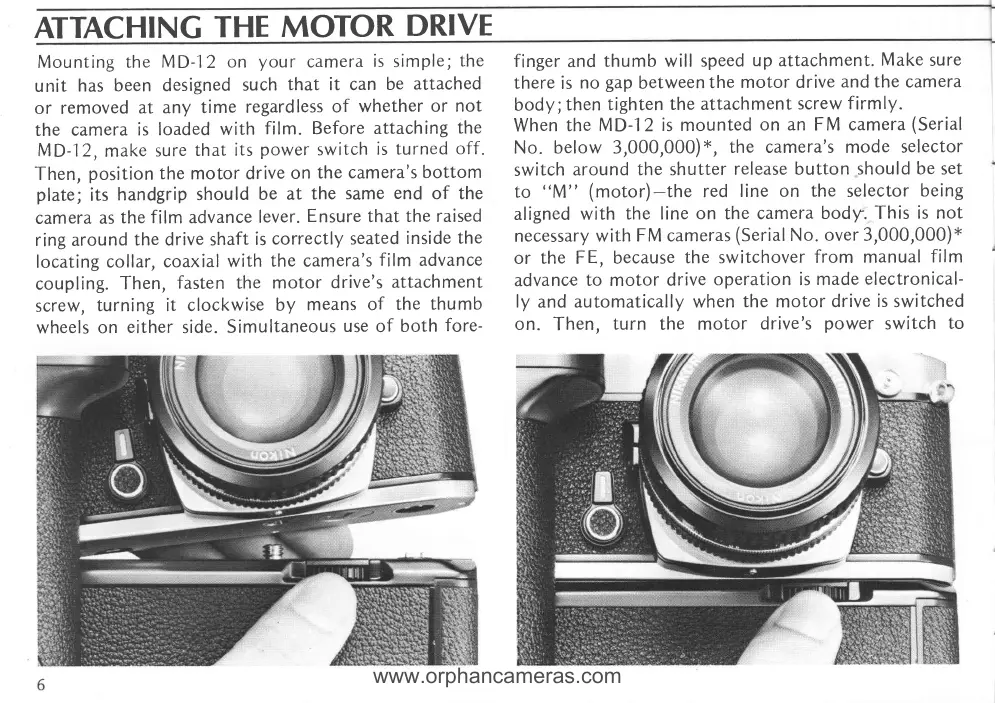
Then,
position
the
motor
drive
on
the cam
era'
s
bottom
plate;
its
handgrip
shou
ld be
at
the
same
end
of the
camera
as
the
film advance
lever.
Ensure
that
the raised
ring around
the drive shaft
is
co rrectly
seated
inside
the
locating
co
llar, coaxial
with
the camera's
film
advance
coupling.
Then,
fasten the
motor
drive's
attachment
screw,
turning it clockwise
by
means
of
the
thu mb
wheels on
either
side.
Simu
ltaneous
use
of
both
fore-
finger
and
thumb will
speed
up
attachment.
Make
sure
there
is
no
gap
between
the
motor drive
and the camera
body;then
tighten
the attachment
screw
firmly.
When
the
MD-12 is mounted
on an FM camera
(Serial
No. below 3,000,000;
r',
the camera's mode
selector
switch
around
the shutter
release
button
should be set
to
((M"
(motor)-the
red
line on
the
selector
being
aligned with
the line
on
the
camera
body. This
is not
necessary with
FM cameras
(Serial
No.
over 3,000,000;x
or
the FE, because
the switchover
from
manual
film
advance
to motor
drive
operation is made
electronical-
ly
and
automatically when
the
motor
drive
is
switched
on.
Then,
turn
the
motor
drive's
power
switch
to
www.orphancameras.com

Related product manuals