14
Choose a Language and Set the Clock
The language option in the setup menu is automatically
highlighted the first time menus are displayed. Choose a
language and set the camera clock.
1
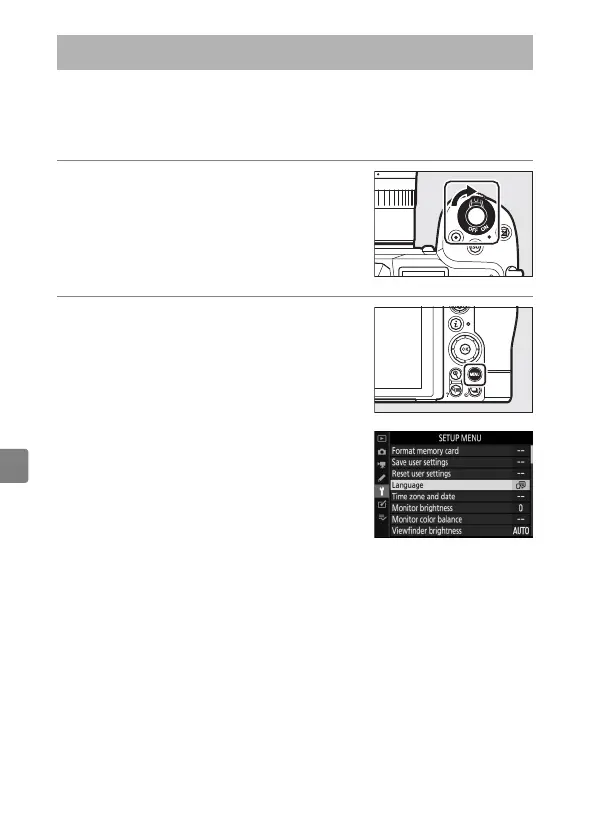
Turn the camera on.
2
Highlight [Language] in the
setup menu and press
2
.
The [Language] item is automatically
highlighted in the setup menu the
first time the
G
button is pressed
after purchase.
Choose a Language and Set the Clock



 To Next Page
 Loading...









