81Shooting Controls
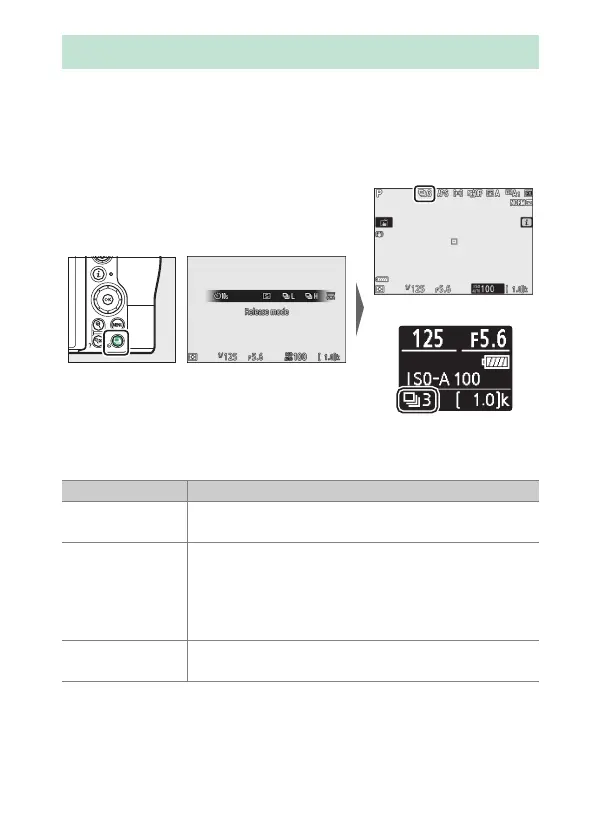
The “release mode” determines what happens when the shutter-
release button is pressed. To choose a release mode, hold the
c (E) button and rotate the main command dial. Press J when
the desired option is highlighted; the selected option is
indicated by icons in the shooting display and control panel.
The following options are available in photo mode.
The
c
/
E
(Release Mode/Self-Timer) Button
Monitor
Control panel
Option Description
U
Single frame
The camera takes one photograph each time the
shutter-release button is pressed.
V
Continuous L
While the shutter-release button is held down, the
camera records 1–5 frames per second. The frame
rate can be chosen by rotating the sub-command
dial when Continuous L is highlighted in the
release-mode menu.
W
Continuous H
While the shutter-release button is held down, the
camera records up to about 5.5 frames per second.



 To Next Page
 Loading...










