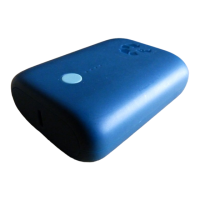
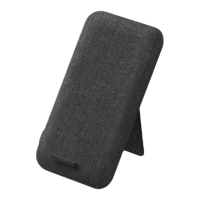
nimble Wireless Charging Pads
LED Charge Status Indicator:
Solid White - Device is charging
Blinking White - Interference between the pad
and your device
Instructions for proper usage:
• Always connect to power using a Nimble USB
Cable, and Nimble Wall Charger, for the safest,
most eicient charging experience.
• Charges through most slim, protective cases
(up to 3mm thick).
• Charge a second device by using the additional
USB-A output port (Wireless Pad & Wireless
Stand only).
• Treat gently and avoid dropping or horseplay.
• Do not disassemble or attempt to modify in
any way.
• Clean the product using a dry cloth. Do not
expose to liquids.
• Avoid extreme heat, hot environments and
direct sunlight when charging.
• Contact Nimble directly if your product stops
working or becomes damaged.
Customer Service:
Web - gonimble.com/contact-us
Email - hello@gonimble.com


 To Next Page