2 Packing List
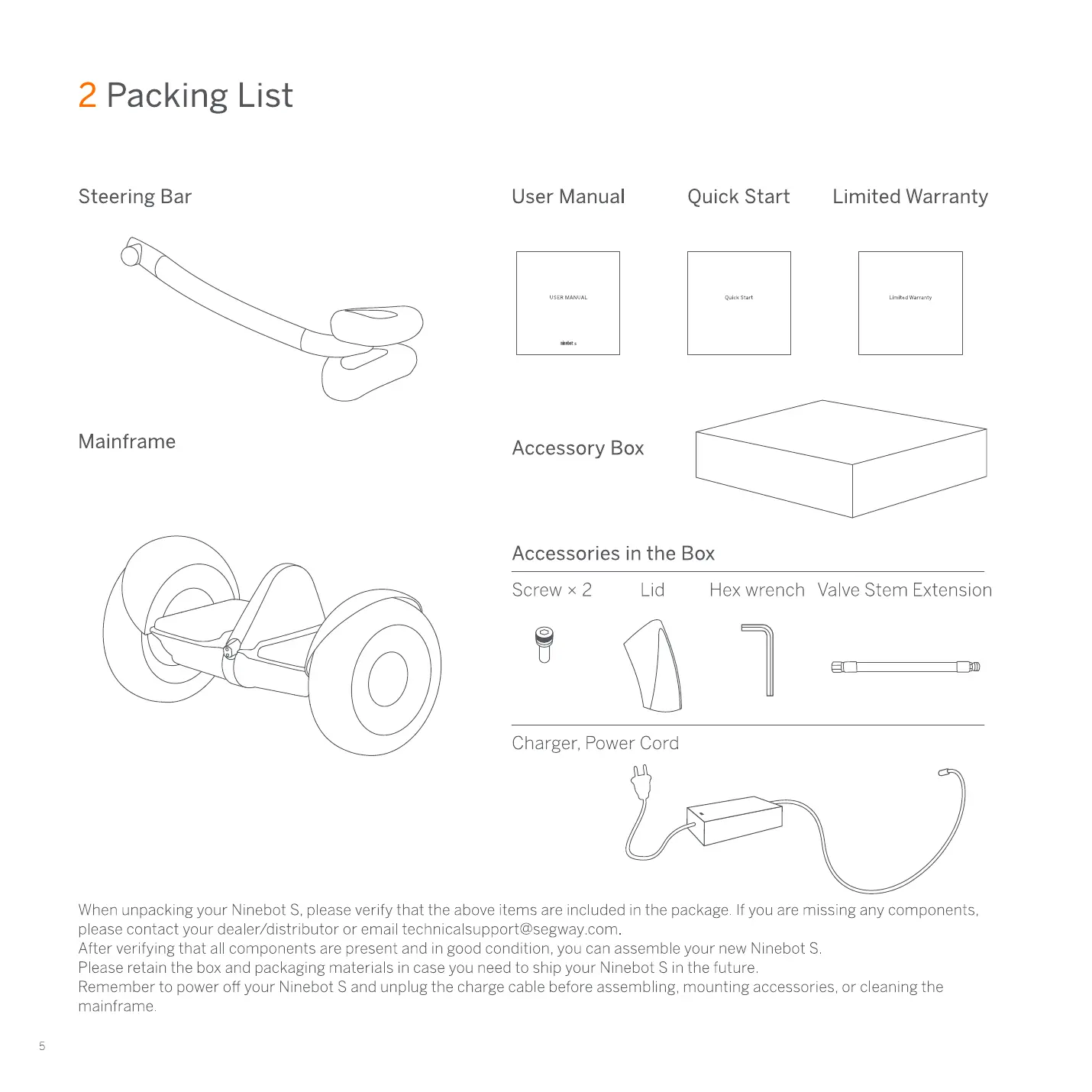
Steering Bar
Mainframe
User Manual
Accessory Box
Quick Start
Accessories in the Box
Screw x 2
Lid Hex wrench
Limited Warranty
Valve Stem Extension
Charger, Power Cord
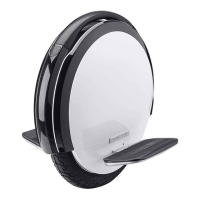
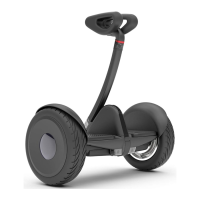
When unpacking your Ninebat S. please verify that the above items are included in the package If you are missing any components.
please contact your dealer/distributor or email technicalsupport@segway com
After verifying that all components are present and in good condition, you can assemble your new Ninebot S
Please retain the box and packaging materials in case you need to ship your Ninebot S in the future
Remember to power off your Ninebot S and unplug the charge cable before assembling. mounting accessories. or cleaning the
mainframe
3 Diagram
Pawer Button
Lock
Bluetooth
Speed Limit
Pawer Level
Power Button
Lock
Bluetooth
Speed Limit
Power Level
Knee Pads
Steering Bar
Power Button
Fender
Dashboard
Foot Mat
Valve Stem
Charge port
Lights
W h eel
Hubcap Decorative Plates
Turn ON/OFF The Ninebot S will automatically power OFFwhen idle for 10 minutes, or when laid
down (horizontal) for over 30 seconds
Enable Lock Mode via the App The Ninebot S will vibrate. flash its lights. and sound an alarm if
anyone moves it The App will also alarm The Ninebot S will not balance in Lock Mode
When Bluetooth is enabled but not connected 10a smart phone. this icon will blink When the
Segway Ninebot App is connected to the Ninebot S. this icon will glow steadily
Enable and adjust Speed Limit Mode via the App When the icon is illuminated the Ninebot S is
limited to 4 3 mph (7 km/h) This speed limit can be adjusted in the App As you approach the
speed limit. the Ninebot S tilts back
ndicates the remaining battery life When the battery is nearly empty this icon blinks and the
Ninebot S beeps, indicating that you need to charge your Ninebot S When less than 30%, your
Ninebot S will gradually reduce the max speed limit Use the App to read the remaining power
and estimated remaining range


 To Next Page