9
Press to return to previous menu. Use or and select 3. BOTTOM
SET and press .
1.3 BOTTOM SET
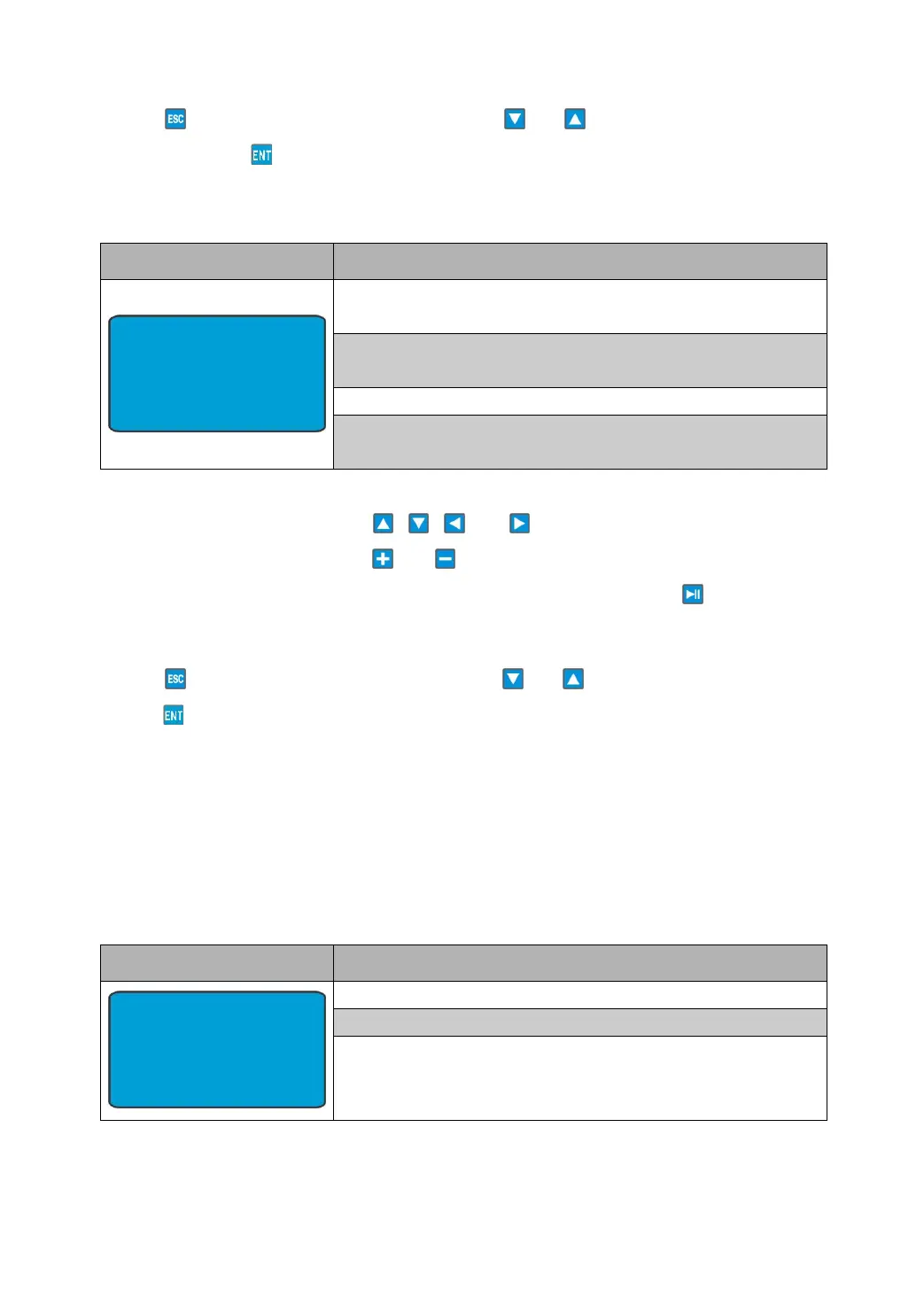
Freq: The user defined frequency of the transmitted pulse
to the echo sounder.
Width: The user defined width of the transmitted pulse to
the echo sounder.
Period: The user defined selected depth.
Rply: The user defined value of the signal level on the
transmitted pulse to the echo sounder.
This mode allows the user to set all the return pulse parameters and simulate
extreme conditions. Press or to change the place of the
flashing cursor, and press or to change the value of the number
where the cursor flashed. If the settings are finished, press to send the
bottom echo that you set.
Press to return to previous menu. Use or and select 4. DEMO and
press .
1.4 DEMO
DEMO mode will slowly vary the depth around the depth and bottom
parameters set in the BOTTOM SET screen. If fish are required, the
parameters on this screen can be used to select how strong and how often
fish returns show. These will also vary between the set depth and the bottom.
Ratio: How often fish show.
Width: The width of the fish echo.
Depth: The minimum depth of the fish echo.
BOTTOM SET
Freq: 49.8 kHz
Width: 322 us
Depth: 20 m
Rply: 1050 V
DEMO
Ratio: 03:00
Width: 322 us
Depth: 10 m


 To Next Page