When you start up
the game for the
second time, select
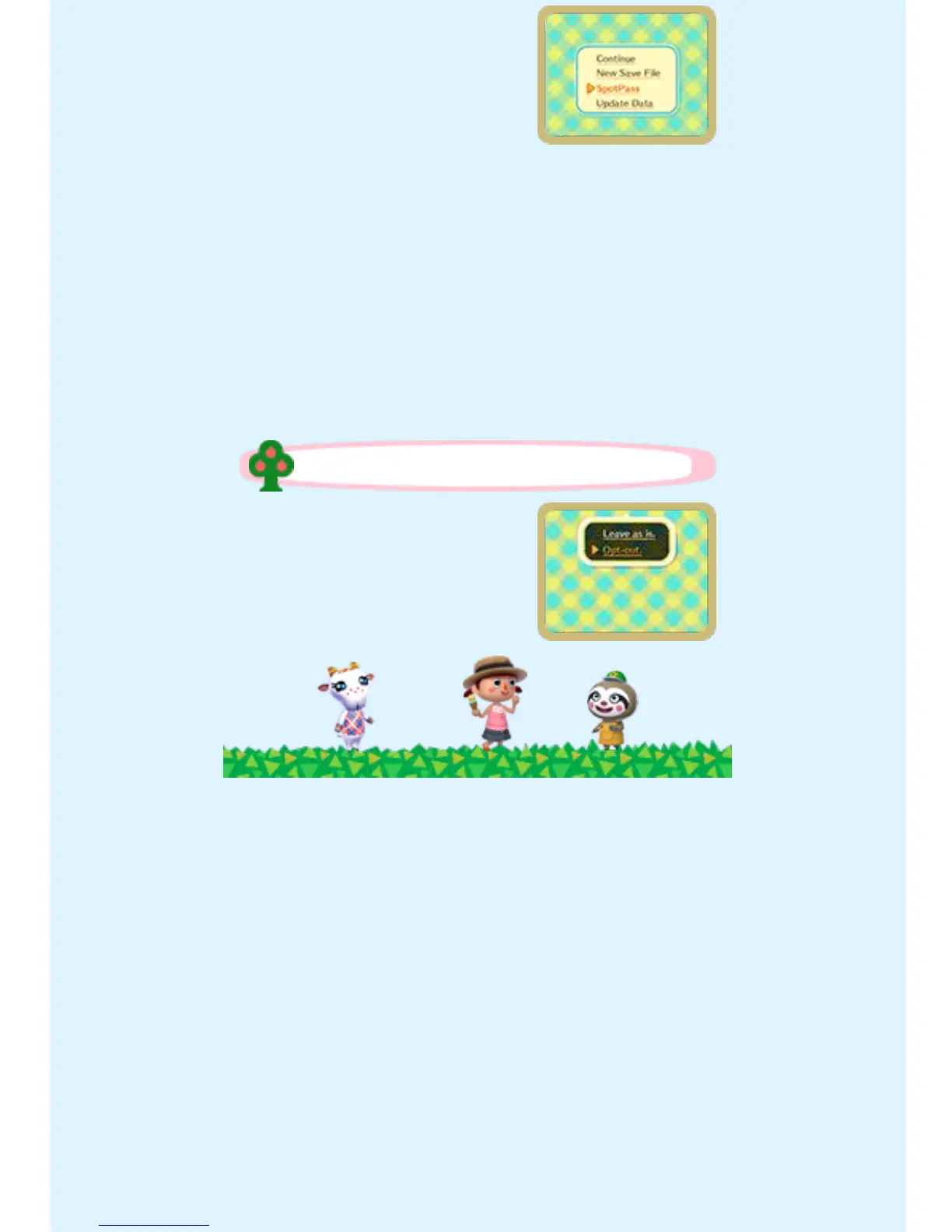
SPOTPASS and then
OPT-IN to change the
SpotPass settings to allow data to
be received.
♦ If you choose to not activate
SpotPass, you can change these
settings later by selecting
SPOTPASS on the title menu,
following the prompts, and
selecting OPT-IN.
Select SPOTPASS on
the title menu, then
OPT-OUT.
Deactivating SpotPass


 To Next Page
 Loading...