Nintendo Switch First-Time Setup and
Connection
Applies to: Nintendo Switch
Instructions on how to set up your Nintendo Switch system for the first time.
Complete These Steps:
1. Connect the AC adapter to the system.
o Connect the USB plug from the Nintendo Switch AC adapter into the USB
connector on the bottom of the console, then connect the AC adapter into the wall
outlet.
o The system will power on after you connect the AC adapter provided.
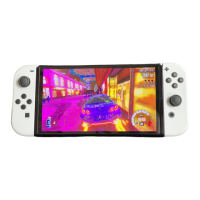
2. Attach the Joy-Con controllers to the Nintendo Switch console.













 To Next Page