You can select the language and unit using the
joystick or pressing the ENTER button.
The settings are automatically saved when you
exit the menu by pressing the BACK button or
any other mode button.
Clock
Adjusting the time:
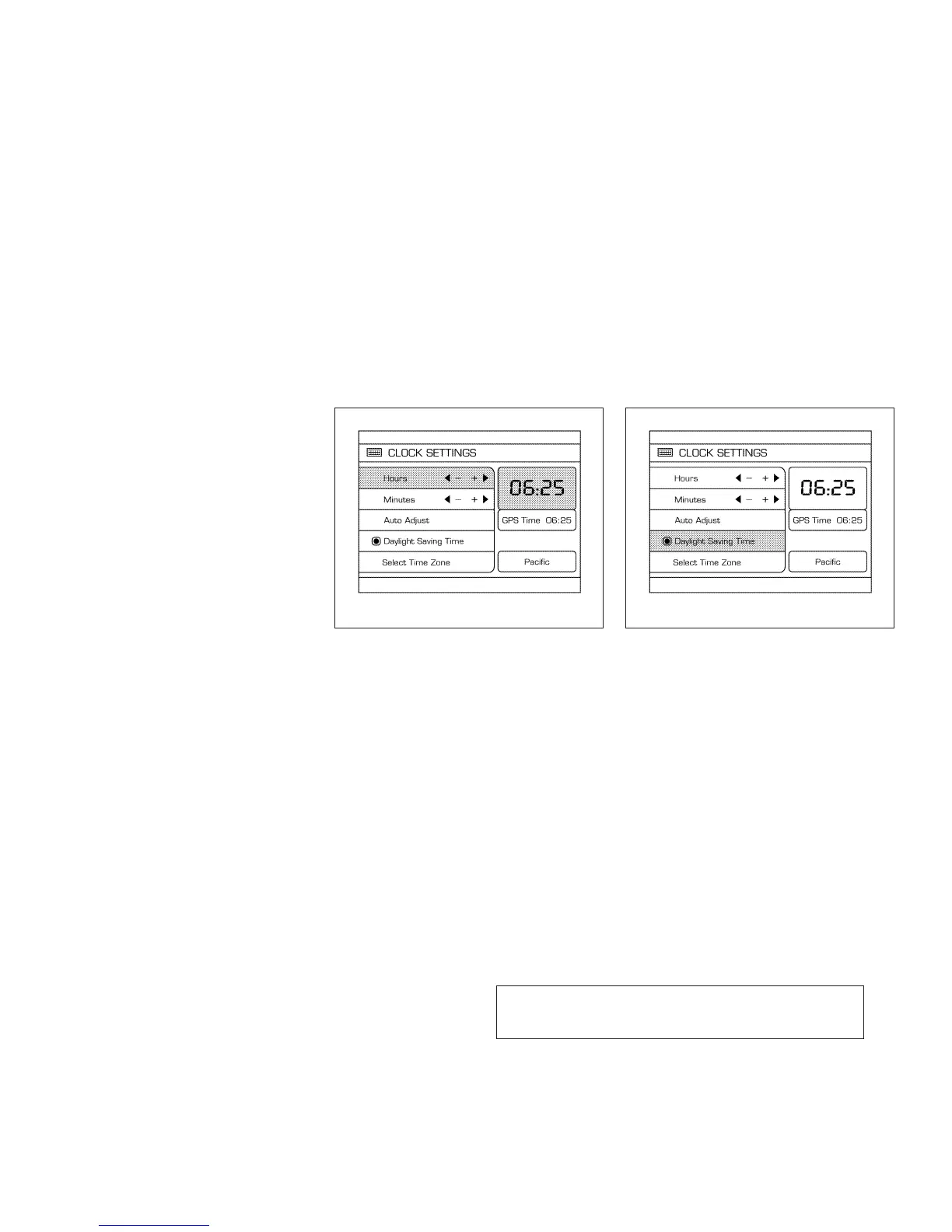
Select the “Hours”or “Minutes”key and move the
joystick to the right or left to adjust the time.
The time will change step by step.
The new settings are automatically saved when
you exit the setting screen by pressing the BACK
button or any other mode button.
Setting daylight savings time:
Use the “Daylight Saving Time” key to adjust the
clock to daylight savings time.
ON: The displayed time advances by 1 hour.
OFF: The current time is displayed.
LHA0562 LHA0566
4-16 Display screen, heater, air conditioner, audio and phone systems
Z REVIEW COPY—
2007 Maxima (max)
Owners Manual—USA_English (nna)
01/26/07—arosenma
X



 To Next Page