3-44 Navigation
. [Detour]:
A detour of a specified distance can be
calculated.
“Setting detour route” (page 3-51)
. [Traffic Detour]:
Manually search for an alternative detour
route taking the traffic information into
consideration.
“Searching for detour route using
traffic information” (page 3-51)
. [Route Settings]:
Changes the route calculation conditions
anywhere along the route.
“Setting conditions for route calcula-
tion” (page 3-52)
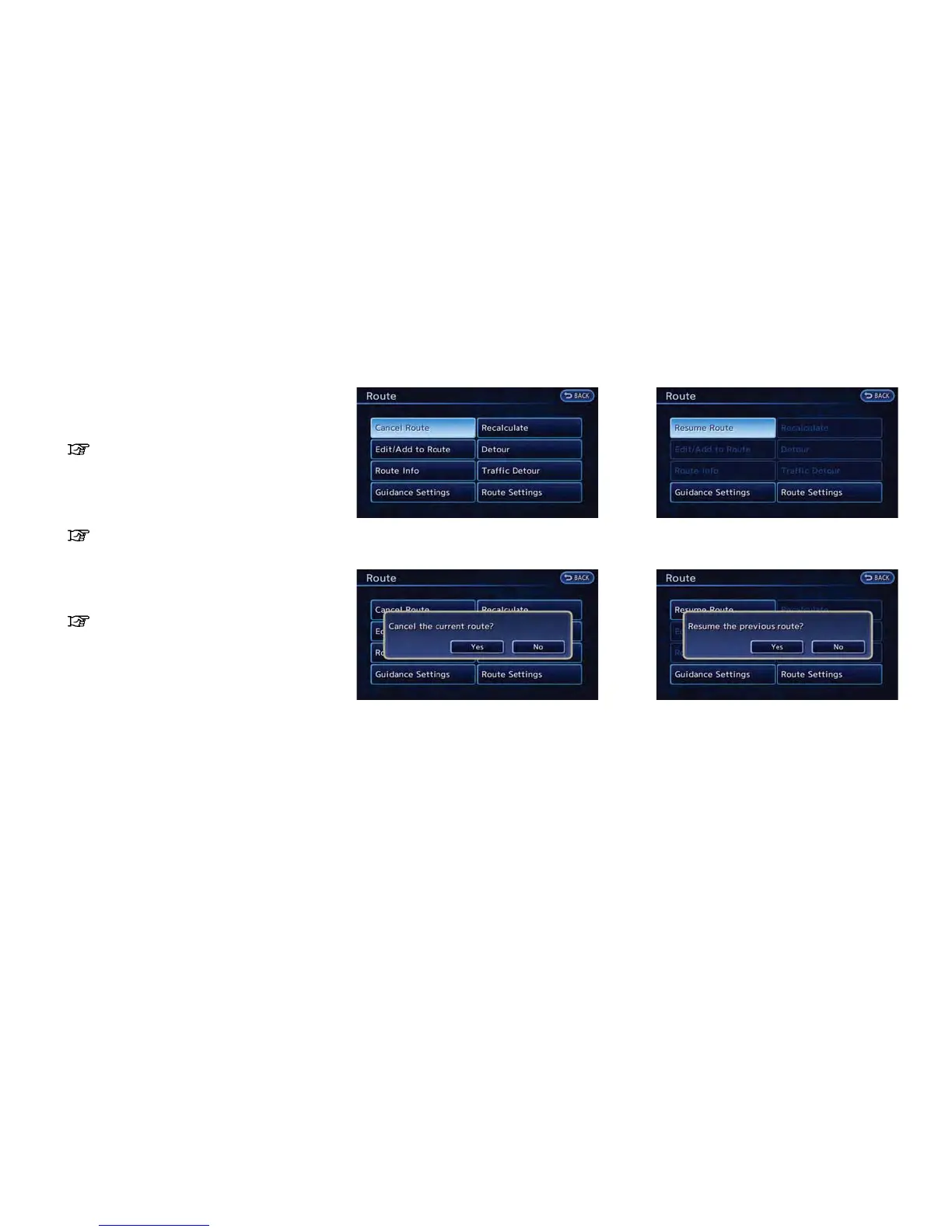
CANCELING/REACTIVATING ROUTE
A route that is already set can be canceled at
any time. If a route is deleted, the destination
and waypoints are also canceled.
It is also possible to reactivate a canceled route.
Canceling route
1. Push the MENU button and touch [Route].
2. Touch [Cancel Route]. A confirmation mes-
sage is displayed.
3. Touch [Yes]. The route is canceled along
with the destination and waypoints.
Reactivating route
1. Push the MENU button and touch [Route].
2. Touch [Resume Route]. A confirmation
message is displayed.
3. Touch [Yes]. The canceled route is reacti-
vated.



 To Next Page