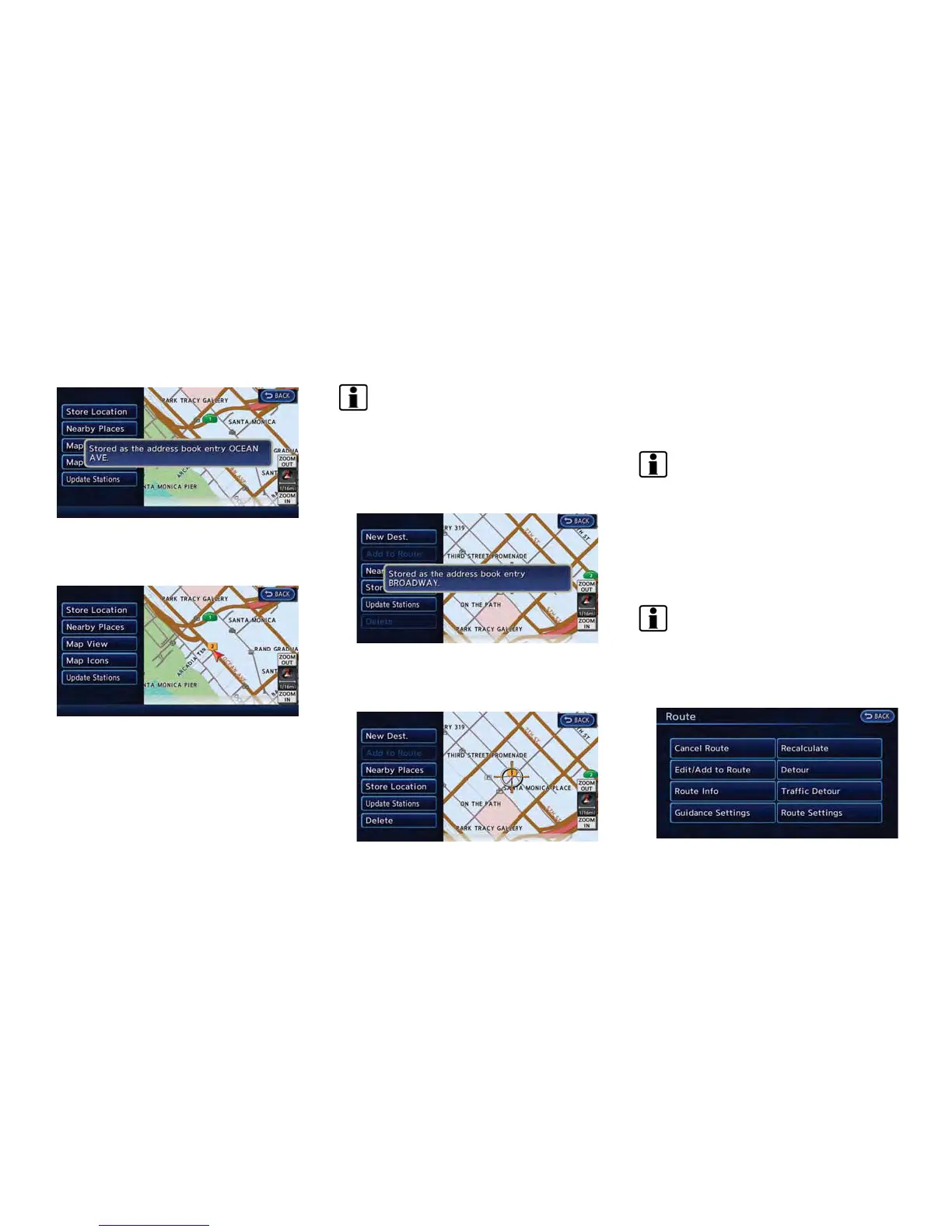
3. Touch [Store Location]. A message is
displayed, and the current vehicle location
is stored in the Address Book.
4. The icon representing the stored location is
displayed on the map.
Push the MAP button to return to the
current location map screen.
INFO:
The location is stored in the first available
position number in the Address Book list.
Storing location by moving map
1. Move to the preferred location on the map
and touch [Map Menu].
2. Touch [Store Location]. A message is
displayed, and the address of the location
is stored in the Address Book.
3. The icon representing the stored location is
displayed on the map. Push the MAP button
to return to the current location map screen.
INFO:
The address is stored in the first available
position number in the Address Book list.
STORING ROUTE
A maximum of 5 calculated routes can be
stored. Stored routes can be easily retrieved
and set as the suggested route.
INFO:
Stored route includes only locations (destination
and waypoints) and route calculation conditions,
not the route itself.
1. Push the MENU button and touch [Route].
Navigation 3-57



 To Next Page