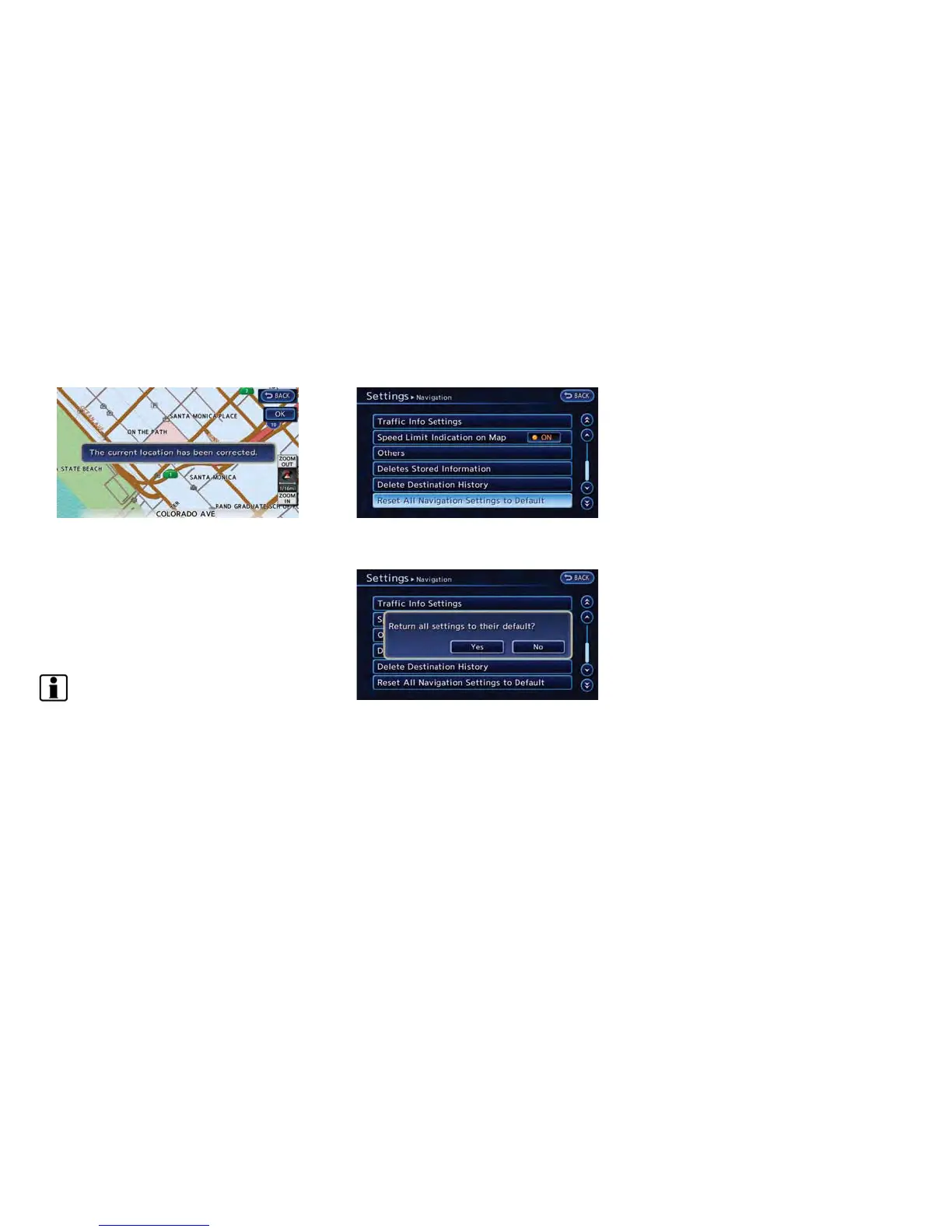
5. After adjusting the direction of the vehicle
icon, touch [OK]. A message is displayed,
and the adjusted vehicle location is stored.
RESETTING ALL NAVIGATION SET-
TINGS TO DEFAULT
This restores various settings (display, volume
level, etc.) to the default settings.
INFO:
The memory contents, such as the stored
locations, will not be deleted.
1. Push the MENU button and touch [Set-
tings].
2. Touch [Navigation].
3. Touch [Reset All Navigation Settings to
Default].
4. A confirmation message is displayed. Con-
firm the contents of the message, then touch
[Yes].
Navigation 3-73



 To Next Page