5-16 CARWINGS
TM
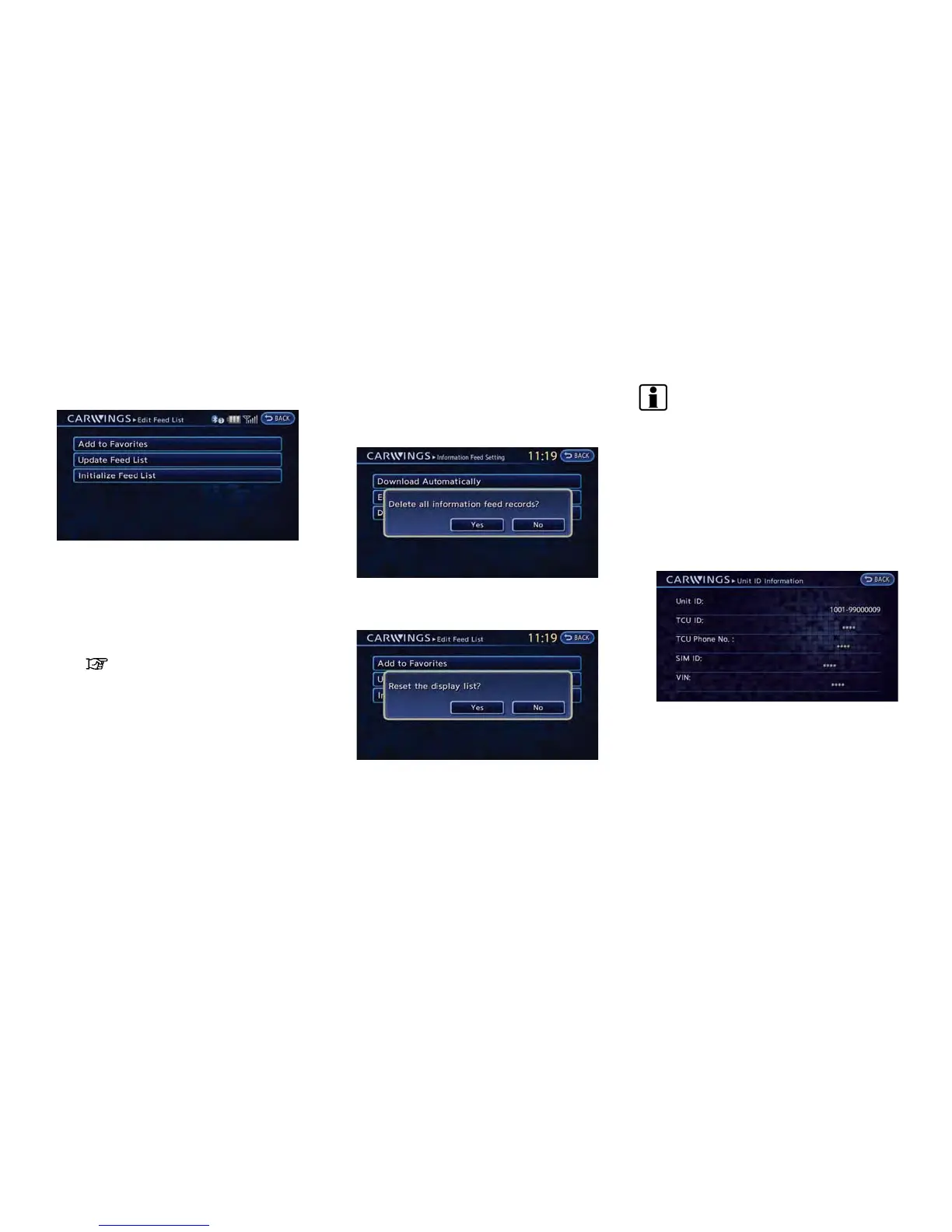
1. Touch [Edit Feed List].
2. Touch the item you would like to set.
Available settings
.
[Add to Favorites]:
A maximum of 16 favorite feeds selected
from the information feeds can be stored
in a folder.
“Storing favorites” (page 5-9)
.
[Update Feed List]:
Connect to the NISSAN CARWINGS
Data Center and update the information
feed list.
.
[Initialize Feed List]:
Restore the information feed list to the
factory default setting.
Delete all information feed records
All information feeds stored in the history are
deleted.
1. Touch [Delete All Information Feed records].
A confirmation message is displayed.
2. Confirm the contents of the message, then
touch [Yes].
INFO:
Once the information feeds are deleted from the
history, the deleted items cannot be restored.
DISPLAYING UNIT ID INFORMATION
1. Push the MENU button and touch [CARW-
INGS].
2. Touch [CARWINGS Settings].
3. Touch [Unit ID Information]. The unit in-
formation screen is displayed.
Available information
.
Unit ID
.
TCU ID
.
TCU Phone No.
.
SIM ID
.
VIN
4. Touch [BACK] to return to the previous
screen.



 To Next Page