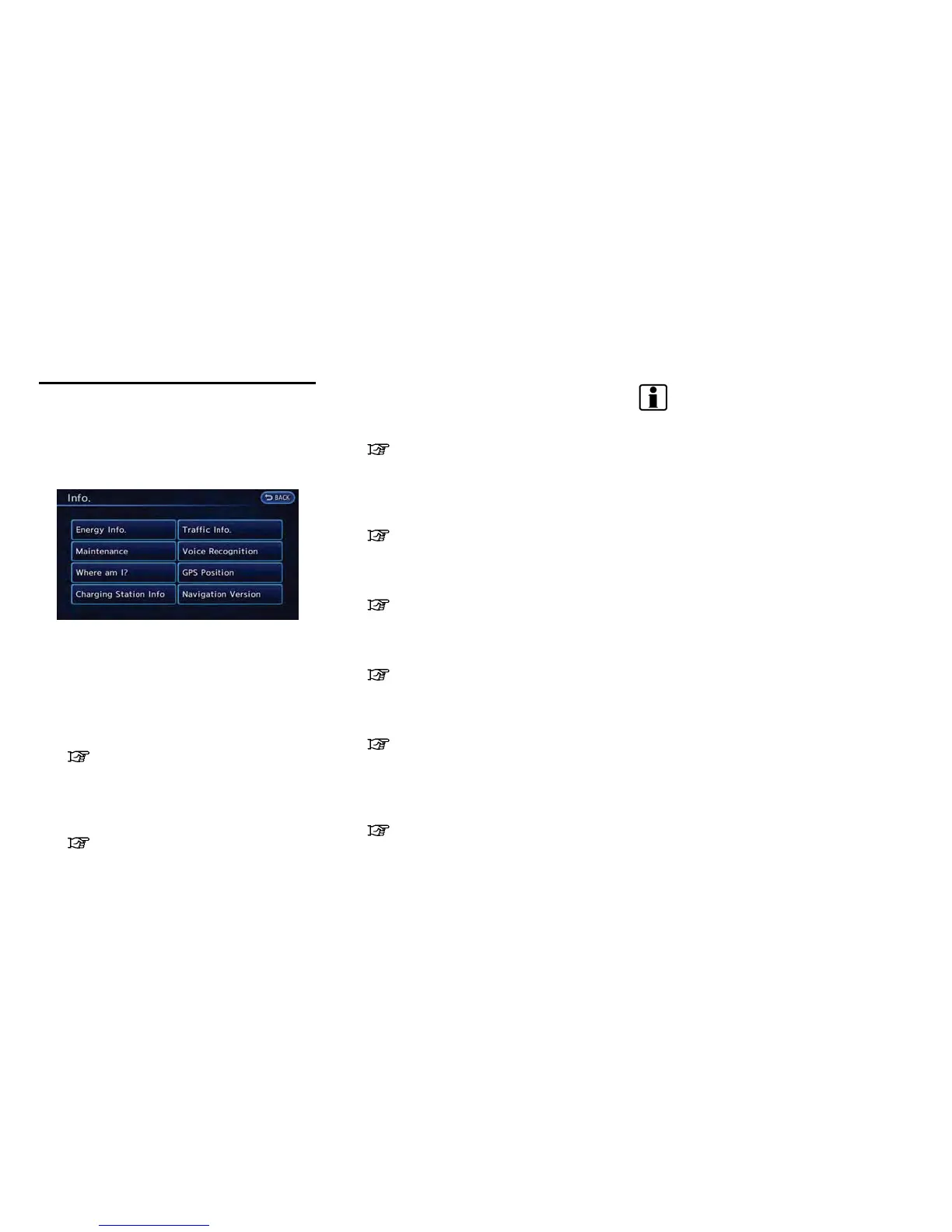
6-2 Viewing technical information
This screen sets or displays various information
that is helpful for using the vehicle. Available
items include the vehicle information, Traffic Info.
setup, current location information, GPS infor-
mation, Voice Recognition list and navigation
software version.
1. Push the MENU button and touch [Info.].
2. Touch the item you would like to set.
Available settings
. [Energy Info.]:
Energy information is displayed on the
screen.
“Energy information display”
(page 2-7)
. [Maintenance]:
Displays the vehicle maintenance informa-
tion.
“Viewing maintenance information”
(page 6-3)
. [Where am I?]:
Displays information regarding the current
vehicle location.
“Viewing information about current
vehicle location” (page 6-4)
. [Charging Station Info]:
Displays charging station information for the
current location.
“Viewing Charging Station informa-
tion” (page 6-5)
. [Traffic Info]:
Allows Traffic Info. setup.
“Viewing available traffic information”
(page 6-6)
. [Voice Recognition]:
Displays the voice command list.
“Displaying command list” (page 8-6)
. [GPS Position]:
Displays GPS information regarding the
current vehicle location.
“Viewing GPS current location infor-
mation” (page 6-11)
. [Navigation Version]:
Displays the current navigation system ver-
sion.
“Viewing navigation system version
information” (page 6-12)
INFO:
An XM NavTraffic
®
subscription is necessary to
view Traffic Info.
INFORMATION SCREEN



 To Next Page