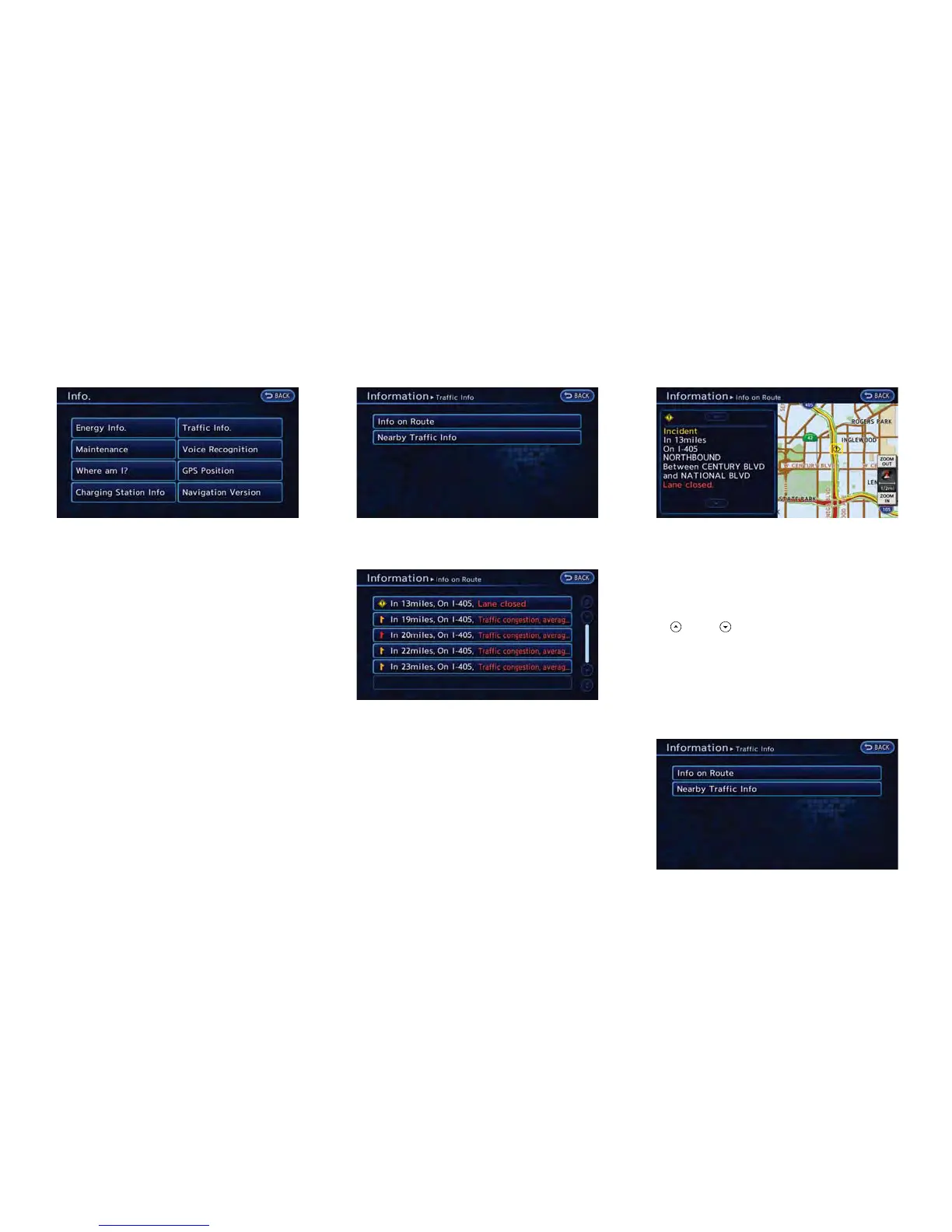
1. Push the MENU button and touch [Info.].
2. Touch [Traffic Info].
3. Touch the preferred information setting.
Available settings
. [Info on Route]:
Displays the list of traffic information found
on the recommended route from the current
vehicle location to the destination.
. [Nearby Traffic Info]:
Displays the list of traffic information around
the current vehicle location.
INFO ON ROUTE
This is only available when a route is set.
The list of traffic information found on the
recommended route from the current vehicle
location to the destination is displayed. Detailed
information about displayed events can also be
checked.
1. Touch [Info on Route]. A list screen is
displayed.
2. Touch the event to check the detailed
information.
3. The map screen centered around the
selected event is displayed. On the left
screen, detailed information about the event
is displayed.
The message can be scrolled by touching
[
]or[ ].
4. Touch [BACK] to return to the previous
screen.
NEARBY TRAFFIC INFO.
The list of available traffic information near the
current vehicle location is displayed.
Viewing technical information 6-7



 To Next Page