1-8 Getting Started
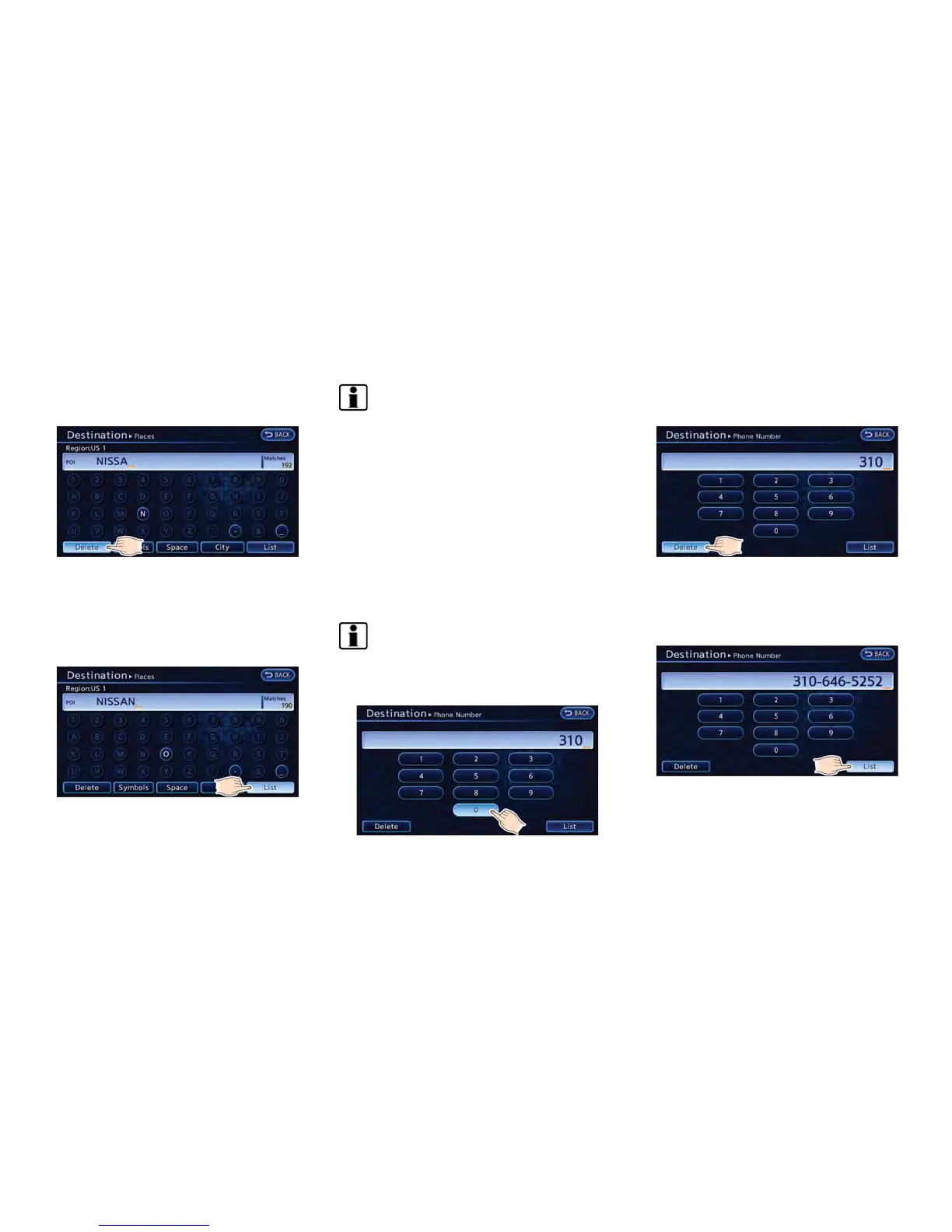
1. Touch a character on the displayed key-
board. The selected character is entered.
2. Touch [Delete] to delete the last character
entered.
Touch and hold [Delete] to delete all the
characters entered.
Touch [Space] to enter a space.
3. After finishing the entry, touch [List].
INFO:
.
The list screen appears automatically
when text has been entered and the
matching list items have been narrowed
down to a number that will fit on the
screen.
.
Symbol keys are displayed by touching
[Symbols]. Alphabet keys are displayed
by touching [A-Z].
Phone number input screen
Perform the following procedure to enter a
number.
INFO:
Only the locations included in the map data
database can be searched for by a phone
number.
1. Touch a number on the displayed keyboard.
The selected number is entered.
2. Touch [Delete] to delete the last number
entered.
Touch and hold [Delete] to delete all the
numbers entered.
3. After finishing the entry, touch [List].



 To Next Page