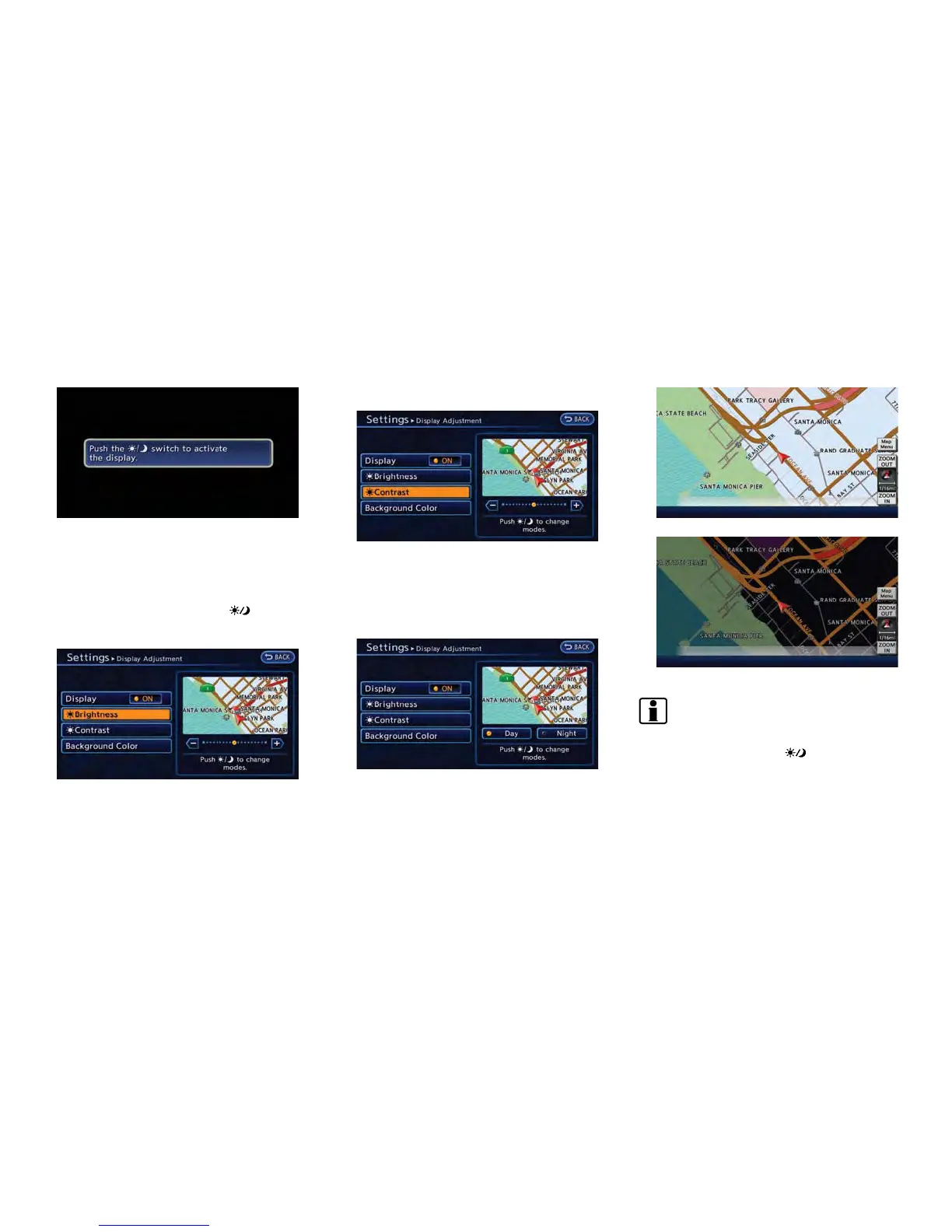
When any button is pushed with the display off,
the display turns on. The display will automati-
cally turn off when there is no switch operation
for 5 seconds.
To turn on the display, push the
button.
Brightness
1. Touch [Brightness].
2. Adjust the display brightness by touching
[+] or [-].
Contrast
1. Touch [Contrast].
2. Adjust the display contrast by touching [+]
or [-].
Background color
1. Touch [Background Color].
2. Touch [Day] or [Night]. The indicator of the
selected color illuminates.
Day screen
Night screen
INFO:
The background color setting can also be
changed by pushing the
button.
Getting Started 1-15



 To Next Page