illuminates when the clock is set to the 24-
hour format.
. [Offset (hour)]:
Touch [+] or [−] to adjust the offset value
(between −12 and +12).
. [Offset (min)]:
Touch [+] or [−] to adjust the offset value
(between −59 and +59).
. [Daylight Savings Time]:
Select to toggle the daylight savings time
setting between ON and OFF. The indicator
light illuminates when the daylight savings
time setting is set to ON.
. [Time Zone]:
Select an appropriate time zone from the list
that appears when this item is highlighted.
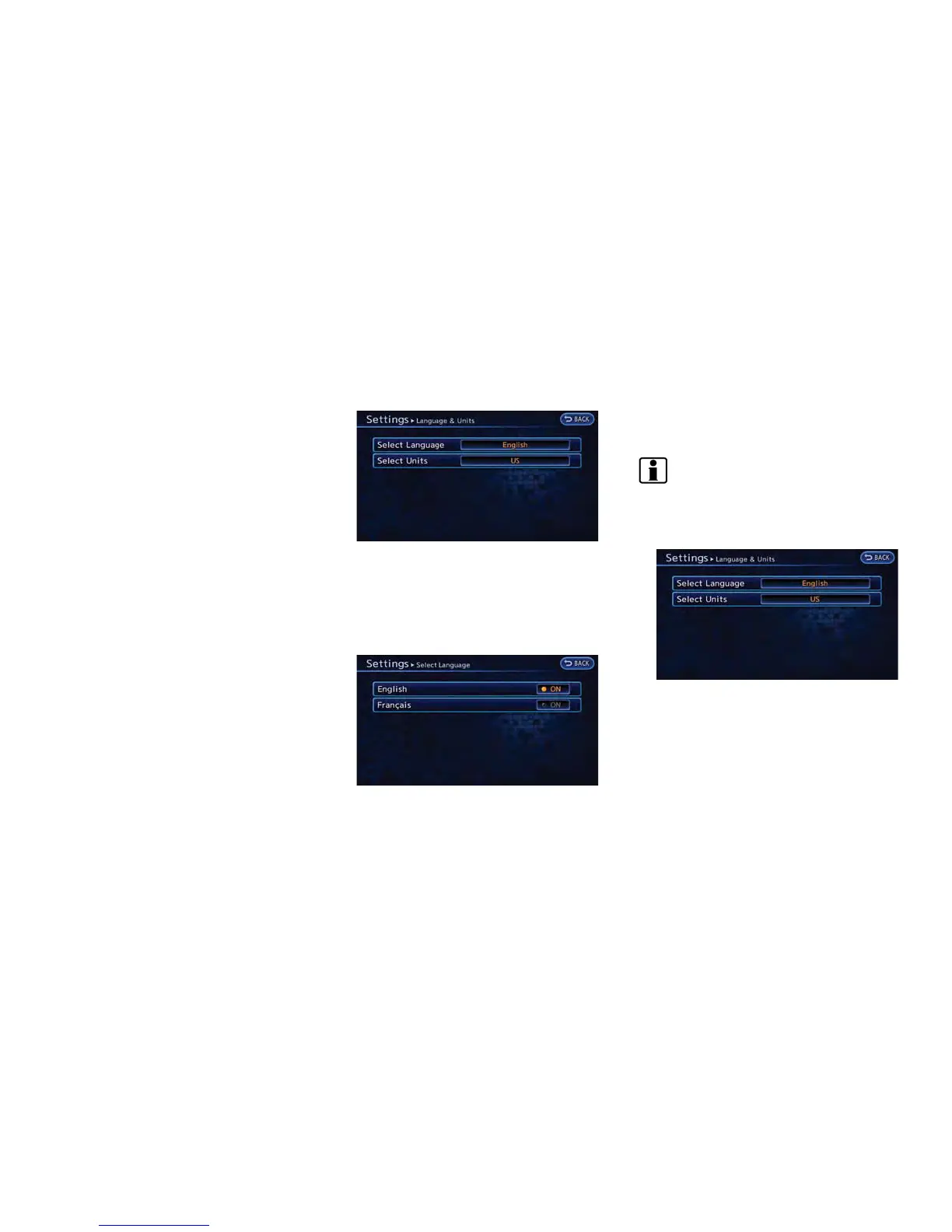
LANGUAGE AND UNIT SETTINGS
This changes the language and measurement
unit used in the system.
Language settings
1. Push the MENU button and touch [Set-
tings].
2. Touch [Others].
3. Touch [Language & Units].
4. Touch [Select Language].
5. Touch the item you would like to set. The
indicator light of the selected item illumi-
nates.
Available languages
.
English
.
Franc¸ais
INFO:
Do not push power switch while changing the
language.
Unit settings
1. Push the MENU button and touch [Set-
tings].
2. Touch [Others].
3. Touch [Language & Units].
4. Touch [Select Units].
Getting Started 1-17



 To Next Page