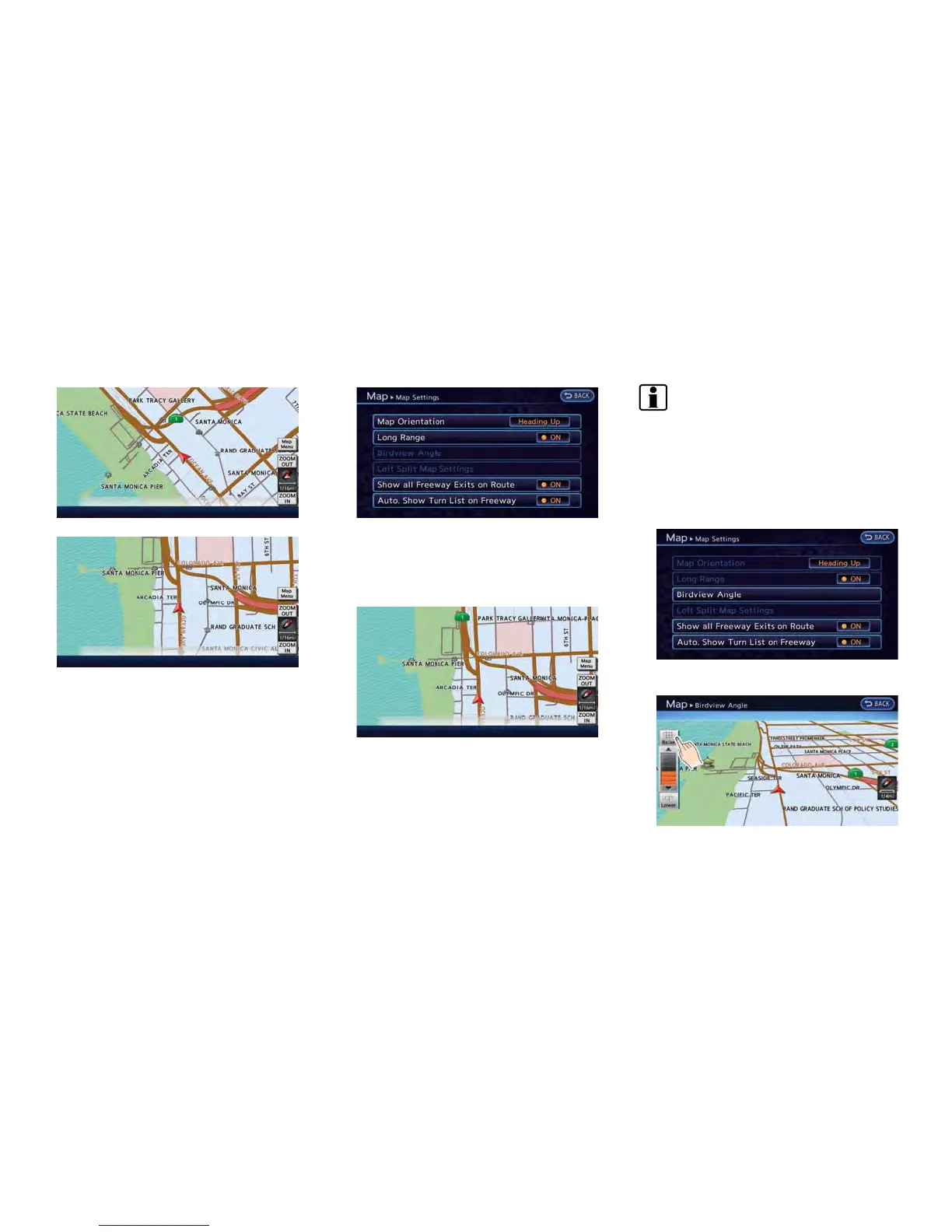
North Up
Heading Up
Settings long range map view
The position of the vehicle icon can be changed
to view a wider area in the direction that the
vehicle is traveling. If this function is activated,
the vehicle icon is located slightly lower than the
center of the screen.
1. Touch [Long Range]. The indicator illumi-
nates when the item is set.
2. Push the MAP button to return to the
current location map screen.
Long Range Map View
INFO:
[Long Range] is displayed only when [Heading
Up] is selected.
Changing Birdview
TM
angle
The Birdview
TM
angle can be changed. This
setting is available only in the Birdview
TM
map or
2D/Birdview
TM
split map.
1. Touch [Birdview Angle].
Navigation 3-11



 To Next Page