3-34 Navigation
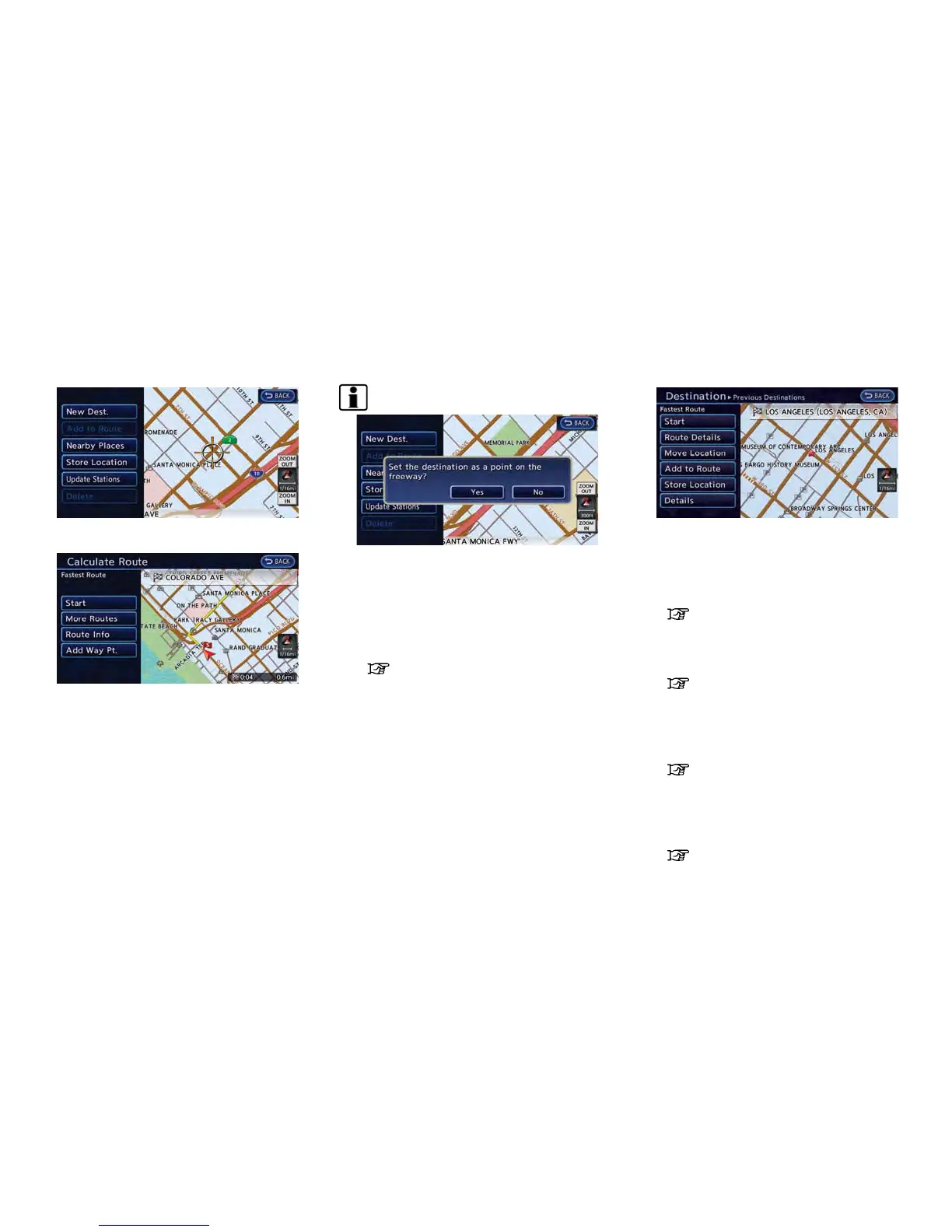
2. Touch [New Dest.].
3. The entire route is shown on the map. Touch
[Start] after confirming the displayed route.
The system starts route guidance to the
selected destination.
INFO:
. If a point on a freeway is set as the
destination, a confirmation message is dis-
played.
. Before starting route guidance, the route
condition can be changed and the route can
be stored in the Address Book, etc.
“Procedures after setting route”
(page 3-36)
OPERATIONS AFTER SETTING
DESTINATION
The following operations are available after you
set a destination.
Available items after setting destination
. [Start]:
Starts route guidance to the selected
destination.
“Starting route guidance” (page 3-35)
. [Route Details]:
Allows you to change the route search
conditions or to check the route information.
“Procedures after setting route”
(page 3-36)
. [Move Location]:
Displays a map screen. The location of the
destination can be adjusted.
“Moving location of destination”
(page 3-35)
. [Add to Route]:
Edits the route by adding a waypoint or a
destination.
“Adding additional destinations to a
route” (page 3-35)



 To Next Page