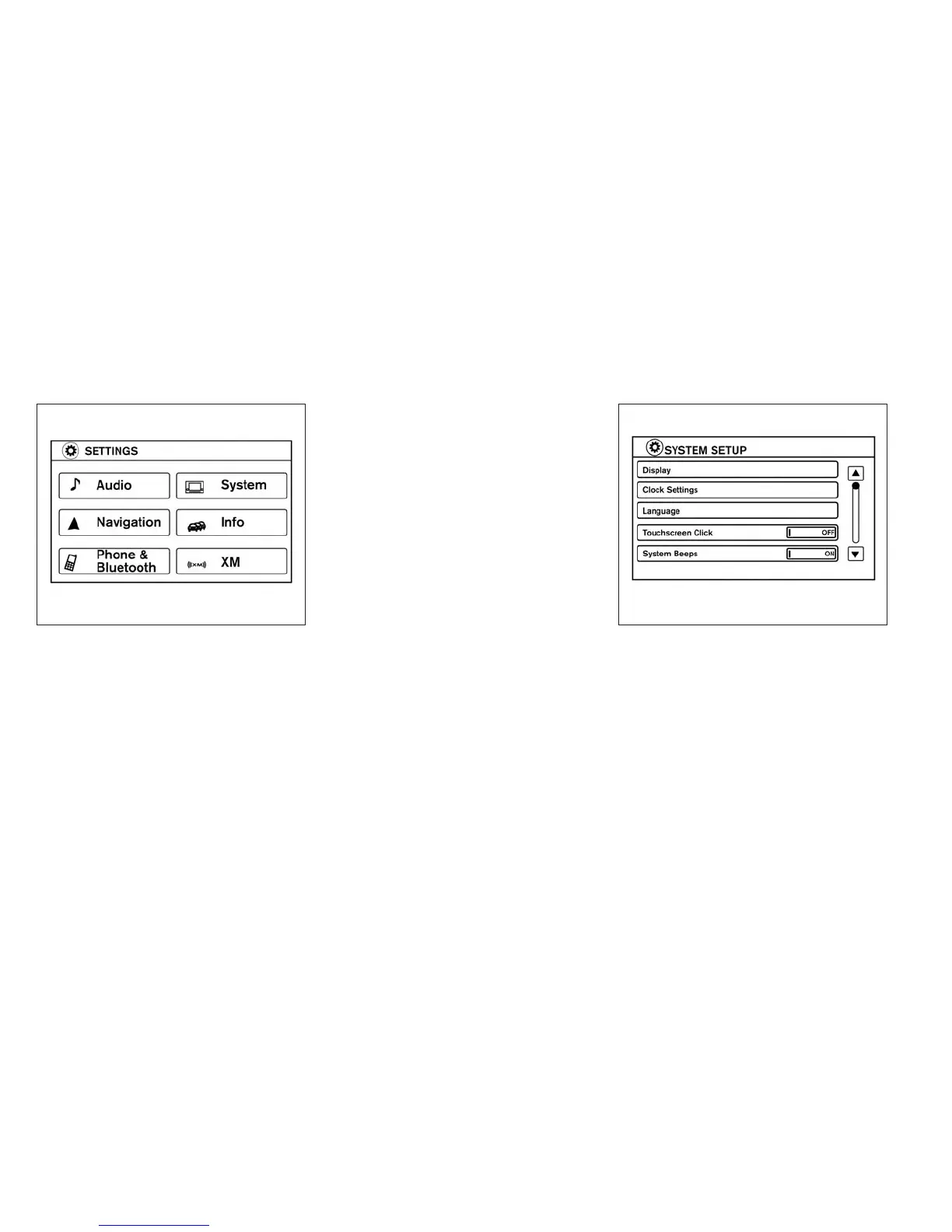
3. Select the desired item.
Audio
For audio setup, refer to “Audio system” in this
section.
Navigation
Refer to the separate Navigation System Own-
er’s Manual for information regarding this item.
Phone & Bluetooth
For information regarding the Bluetooth®
Hands-Free Phone System, see “Bluetooth®
Hands-Free Phone System” in this section.
For information regarding Bluetooth® audio, see
“Bluetooth® streaming audio with Navigation
System” in this section.
System
Select the “System” key to select and/or adjust
various functions of the system. A screen with
additional options will appear.
LHA2248 LHA2249
4-6 Monitor, climate, audio, phone and voice recognition systems



 To Next Page