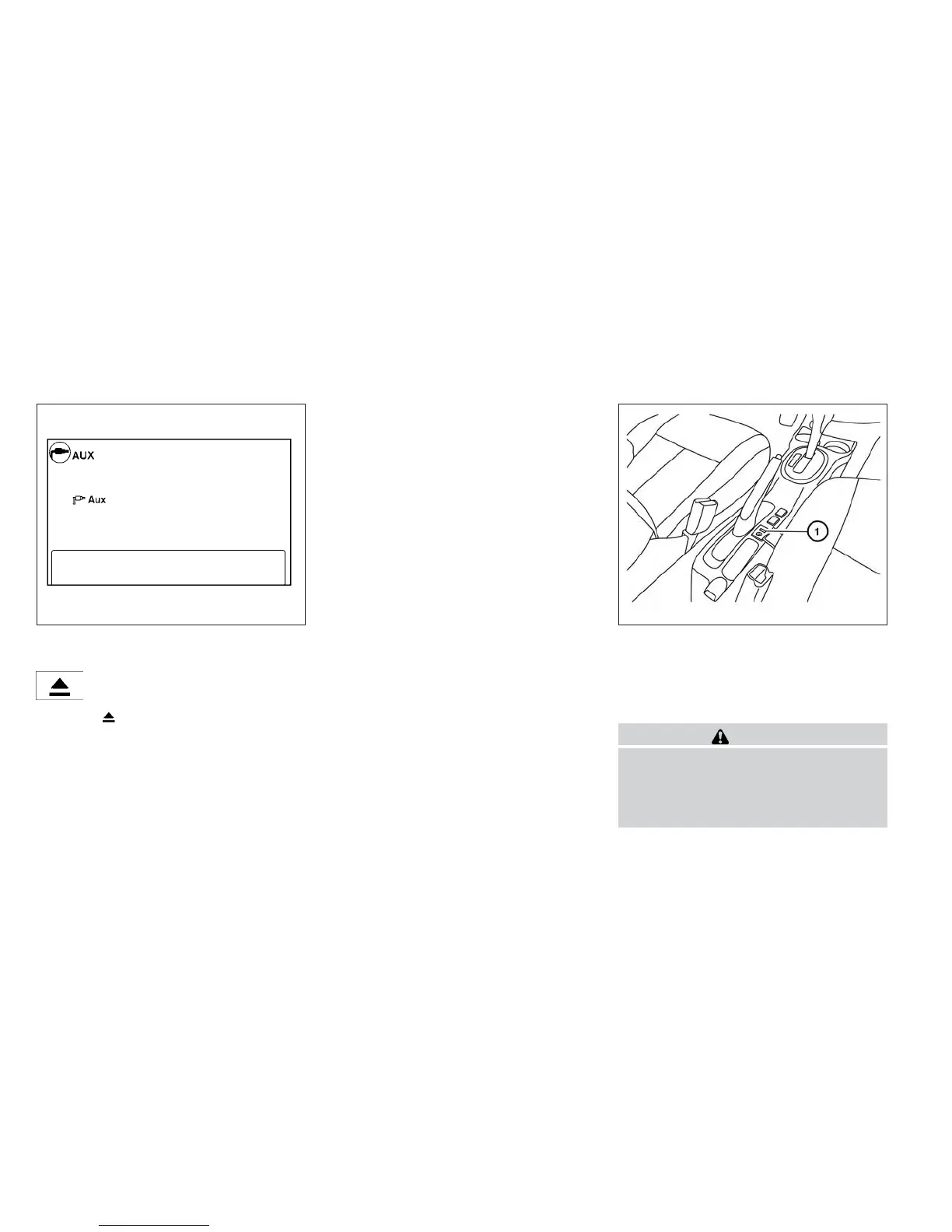
Press the AUX button to play a compatible device
plugged into the AUX IN jack.
EJECT button:
When the
button is pressed with a com-
pact disc loaded, the compact disc will eject and
the last source will be played.
If the disc is not removed within 10 seconds, the
disc will reload.
Additional features
For more information about the iPod® player
available with this system, see “iPod® player
operation with Navigation System” in this section.
For more information about the USB interface
available with this system, see “USB interface
(models with Navigation System)” in this section.
For more information about the Bluetooth® audio
interface available with this system, see
“Bluetooth® streaming audio with Navigation
System” in this section.
USB INTERFACE (models without
Navigation System) (if so equipped)
Connecting a device to the USB input
jack
WARNING
Do not connect, disconnect or operate the
USB device while driving. Doing so can be
a distraction. If distracted you could lose
control of your vehicle and cause an acci-
dent or serious injury.
LHA1493 LHA8803
Monitor, climate, audio, phone and voice recognition systems 4-53



 To Next Page