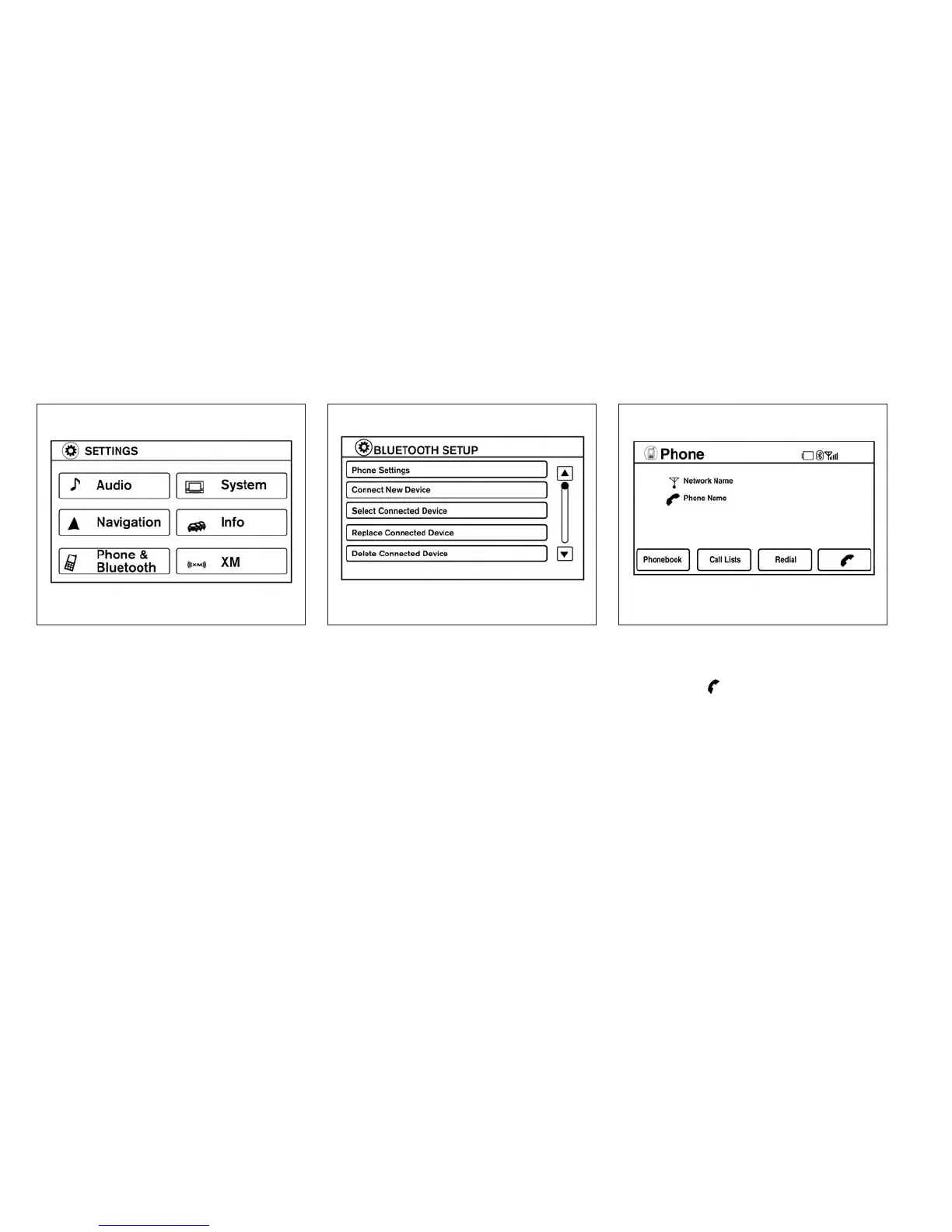
3. Select the “Phone & Bluetooth” key. 4. Select the “Connect New Device” key.
5. Initiate the connecting process from the
handset. The system will display the mes-
sage: “Is PIN XXXXXX displayed on your
Bluetooth device?”. If the PIN is displayed
on your Bluetooth® device, select “Yes” to
complete the connecting process.
For more information, see the Bluetooth® de-
vice’s Owner’s Manual.
VEHICLE PHONEBOOK
To access the vehicle phonebook:
1. Press the
button on the control panel.
2. Select the “Phonebook” key.
LHA2248 LHA2265 LHA2297
Monitor, climate, audio, phone and voice recognition systems 4-87



 To Next Page