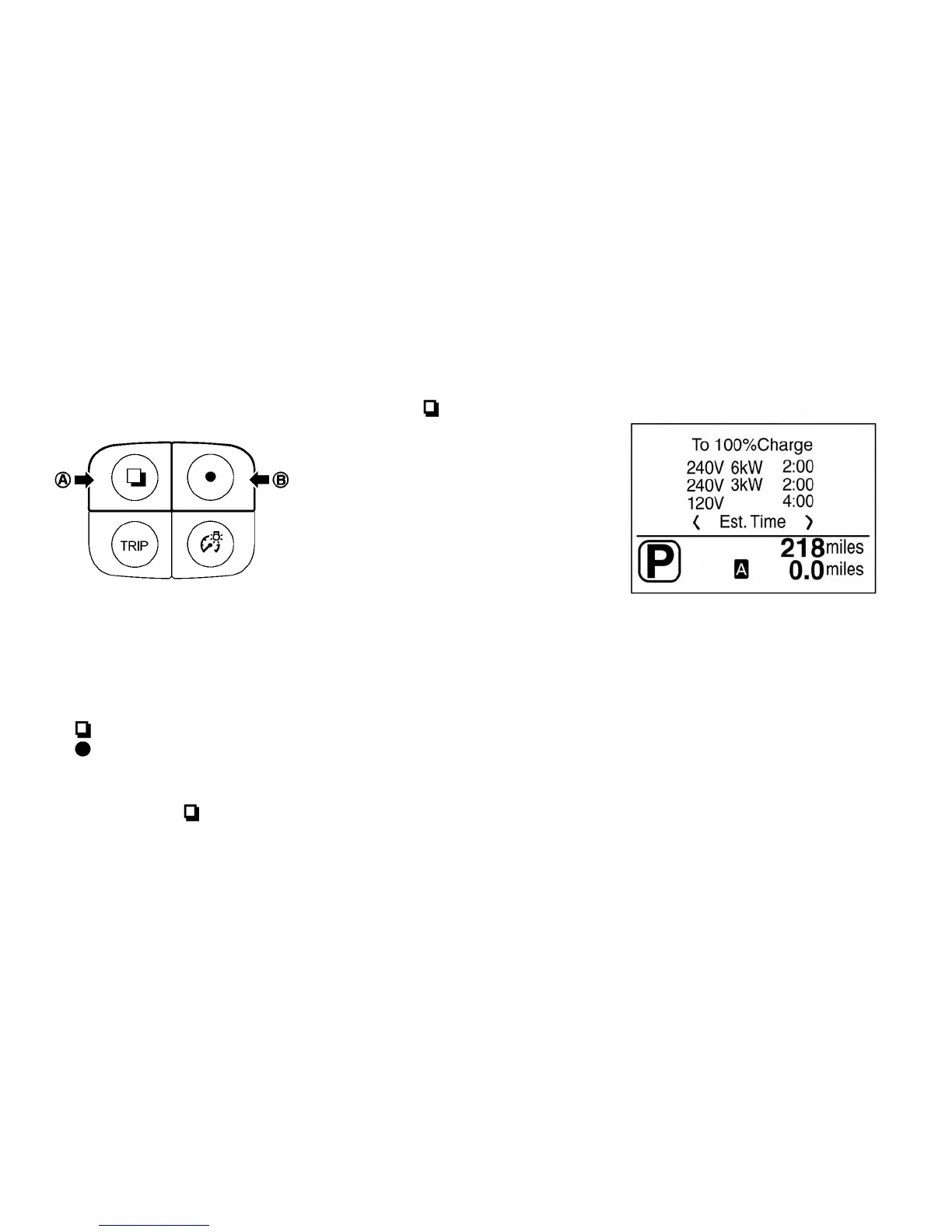
TRIP COMPUTER
Switches for the trip computer are located on the
left side of the combination meter panel. To op-
erate the trip computer, push the following
switches:
䊊
A
switch
䊊
B
switch
When the power switch is pushed to the ON
position, modes of the trip computer can be
selected by pushing the
switch
䊊
A
.
Each time the
switch
䊊
A
is pushed, the
display will change as follows:
Charging time → Energy economy → State of
charge → Average speed → Driving distance and
elapsed time→ Setting → Warning check*
Note
* This item is available only when a warn-
ing is displayed. Select this menu to see
details of warnings.
Charging time
Displays the estimated time to a full Li-ion charge
based on the Charging Mode selected.
The time needed to charge the Li-ion battery
charges based on:
• Outside temperature
• Li-ion battery temperature
• Available electrical power supplied to the
charger
Instruments and controls 2-27



 To Next Page