3. Slowly back up the vehicle adjusting the
steering wheel so that the predicted course
lines
䊊
B
enter the parking space
䊊
C
.
4. Maneuver the steering wheel to make the
vehicle width guide lines
䊊
D
parallel to the
parking space
䊊
C
while referring to the pre-
dicted course lines.
5. When the vehicle is parked in the space com-
pletely, move the shift lever to the P (Park)
position and apply the parking brake.
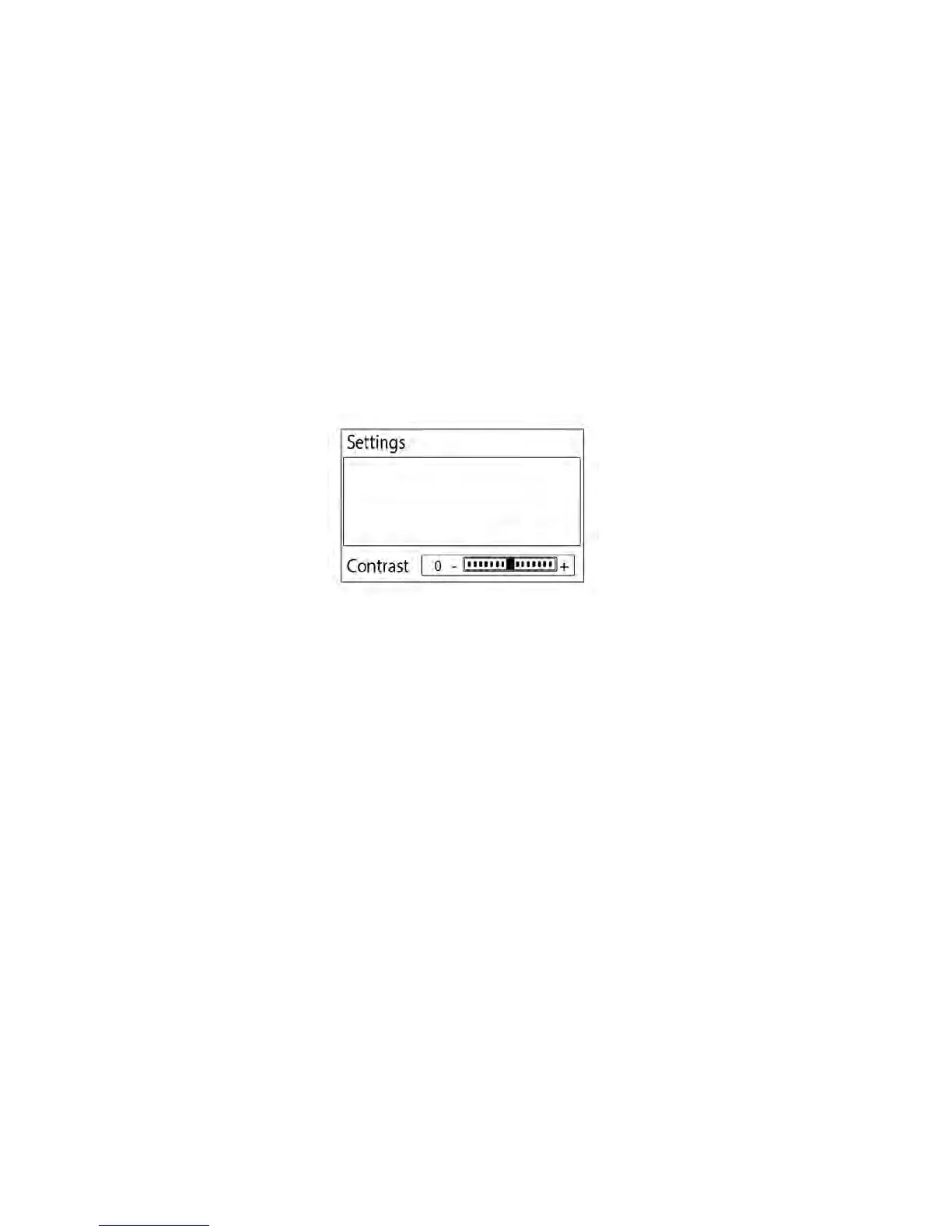
ADJUSTING THE SCREEN
1. While on a RearView Monitor screen, press
the ENTER/SETTING button until the Bright-
ness or Contrast setting bar is displayed be-
low the RearView Monitor screen.
2. Turn the TUNE/SCROLL knob to adjust the
level.
3. To complete the adjustment, press the
ENTER/SETTING button until the Brightness
or Contrast setting bar disappears from the
RearView Monitor screen.
Note
Do not adjust any of the display set-
tings of the RearView Monitor while
the vehicle is moving. Make sure the
parking brake is firmly applied
Models without navigation
4-8 Display screen, heater, air conditioner, audio and phone systems



 To Next Page