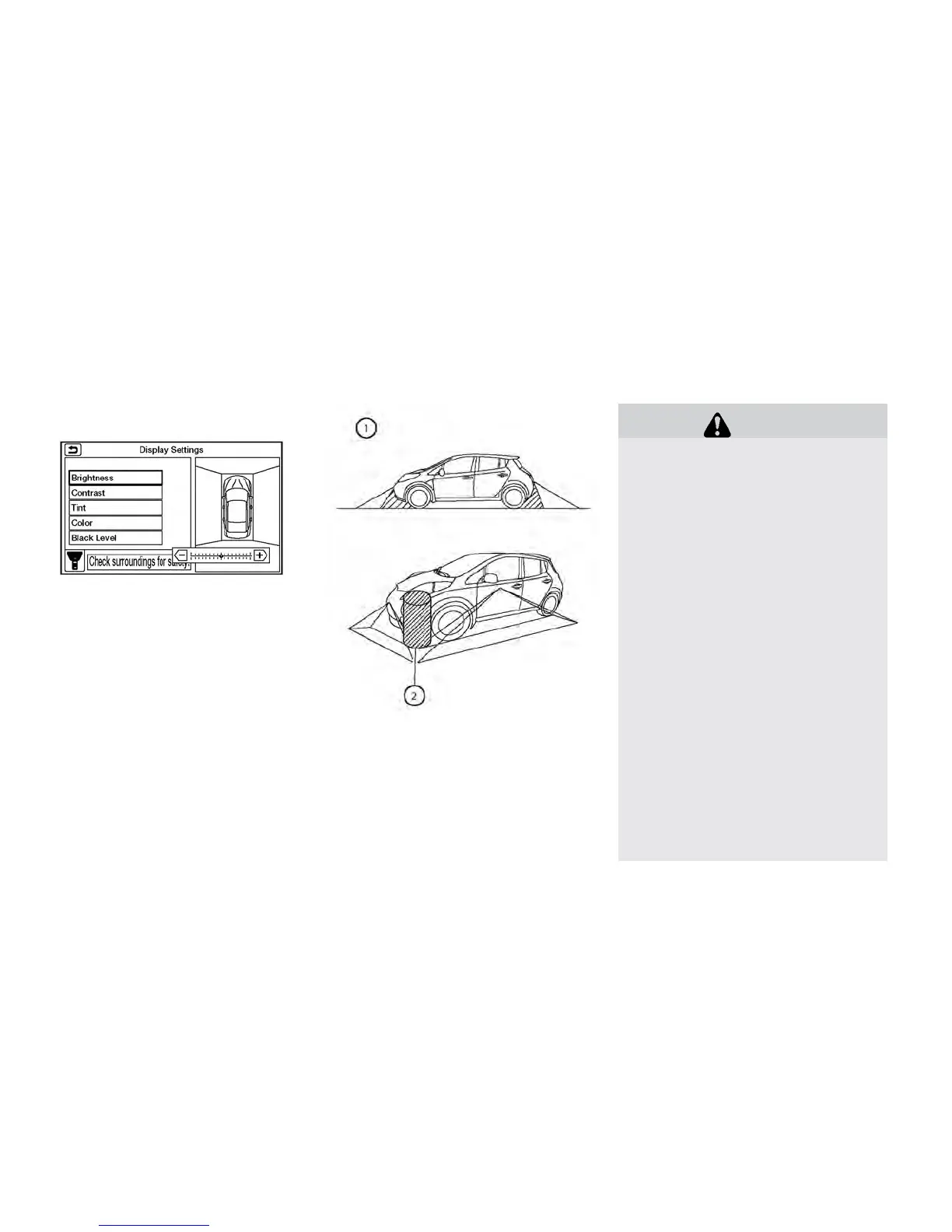
ADJUSTING THE SCREEN
1. Touch the touch-screen display with the
Around View® Monitor on.
2. Touch the “Brightness,” “Contrast,” “Tint,”
“Color,” or “Black Level” key.
3. Adjust the item by touching the + or — key on
the touch-screen display.
Note
Do not adjust any of the display settings
of the Around View® Monitor while the
vehicle is moving. Make sure the parking
brake is firmly applied.
AROUND VIEW® MONITOR
SYSTEM LIMITATIONS
WARNING
Listed below are the system limitations
for Around View® Monitor. Failure to op-
erate the vehicle in accordance with
these system limitations could result in
serious injury or death.
•
Do not use the Around View® Monitor
with the outside mirrors in the stored
position, and make sure that the trunk is
securely closed when operating the ve-
hicle using the Around View® Monitor.
•
The apparent distance between objects
viewed on the Around View® Monitor
differs from the actual distance.
• The cameras are installed on the front
grille, the outside mirrors and above
the rear license plate. Do not put any-
thing on the vehicle that covers the
cameras.
• When washing the vehicle with high
pressure water, be sure not to spray it
around the cameras. Otherwise, water
may enter the camera unit causing wa-
ter condensation on the lens, a mal-
function, fire or an electric shock.
• Do not strike the cameras. They are
precision instruments. Doing so could
cause a malfunction or cause damage
resulting in a fire or an electric shock.
Display screen, heater, air conditioner, audio and phone systems 4-19



 To Next Page