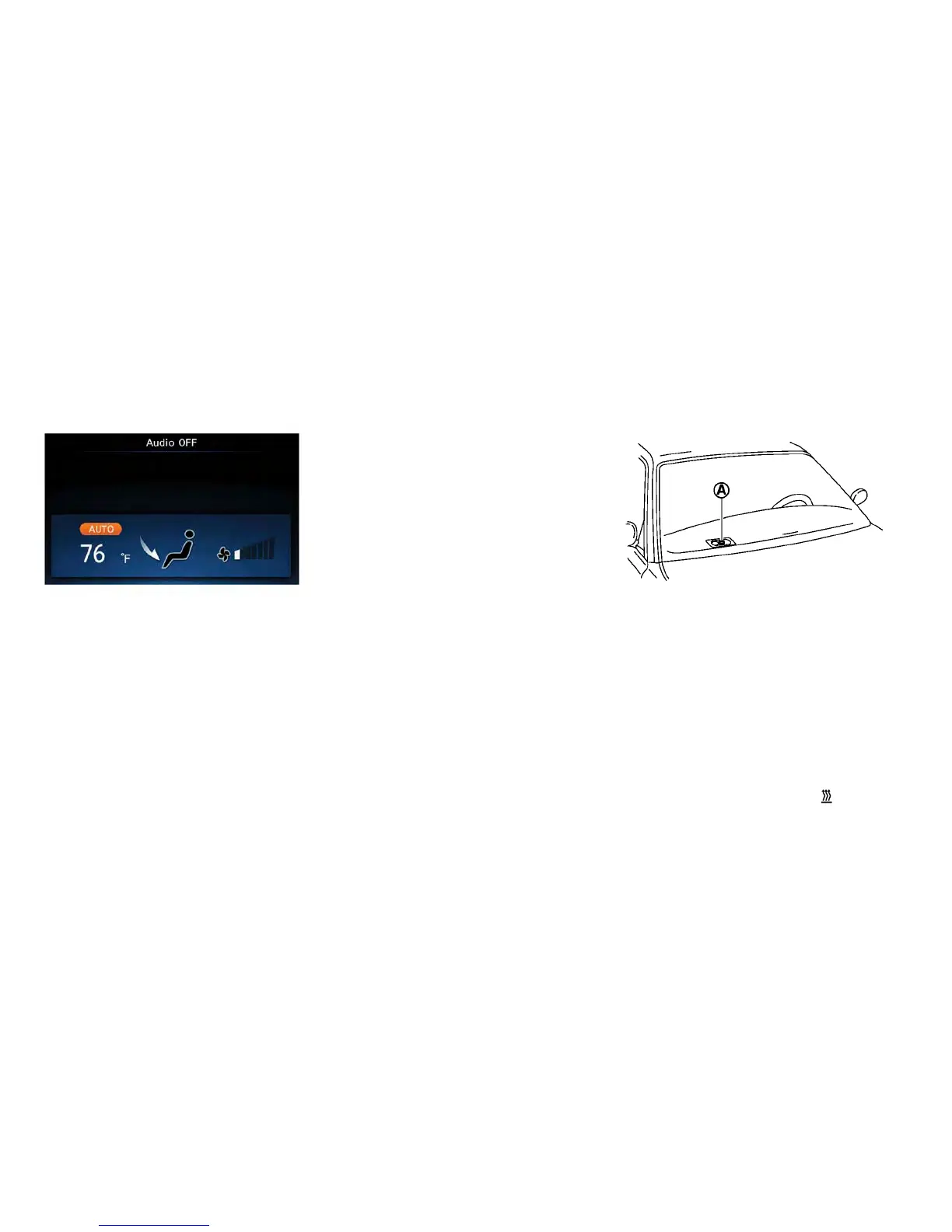
DISPLAYING CLIMATE CONTROL SYSTEM
STATUS SCREEN (MODELS WITH NAVIGA-
TION SYSTEM)
Press the STATUS button to display the climate
control system status on the navigation system
screen. For additional information, refer to the
separate Navigation Owner’s Manual.
NOTE:
•
If the READY to drive indicator light is illumi-
nated and the EVSE (Electric Vehicle Supply
Equipment) is connected to the vehicle, the
power switch will change to the ON position.
At the same time, the climate control system
will stop operating. However, the fan will
continue to operate. If you want to turn on
climate control again, place the power
switch in the OFF position and then place it
in the ON position again after confirming
that the vehicle has started charging.
•
When the power switch is in the ON posi-
tion, if the power supply from the EVSE
(Electric Vehicle Supply Equipment) is inter-
rupted due to an electrical outage, etc., the
system will operate in the following ways.
– If it occurs while charging is being per-
formed:
– The climate control system will stop
once. If the power supply is restored
within approximately 5 minutes, the
climate control system will restart.
However, if more than 5 minutes
have elapsed, the climate control
system will not restart.
– If it occurs after charging has finished:
– The climate control system will stop.
OPERATING TIPS
• The automatic climate control is equipped with
sensors as illustrated. The sensors
䊊
A
and
䊊
B
help maintain a constant temperature. Do not
put anything on or around these sensors.
• Using the AUTO mode will help reduce the
power consumption of the climate control.
• When the AUTO switched is pressed, the
AUTO indicator illuminates. The
(HEAT)
button indicator or the A/C button indicator
illuminates according to the operation of the
climate control system.
4-24 Display screen, heater, air conditioner, audio and phone systems



 To Next Page