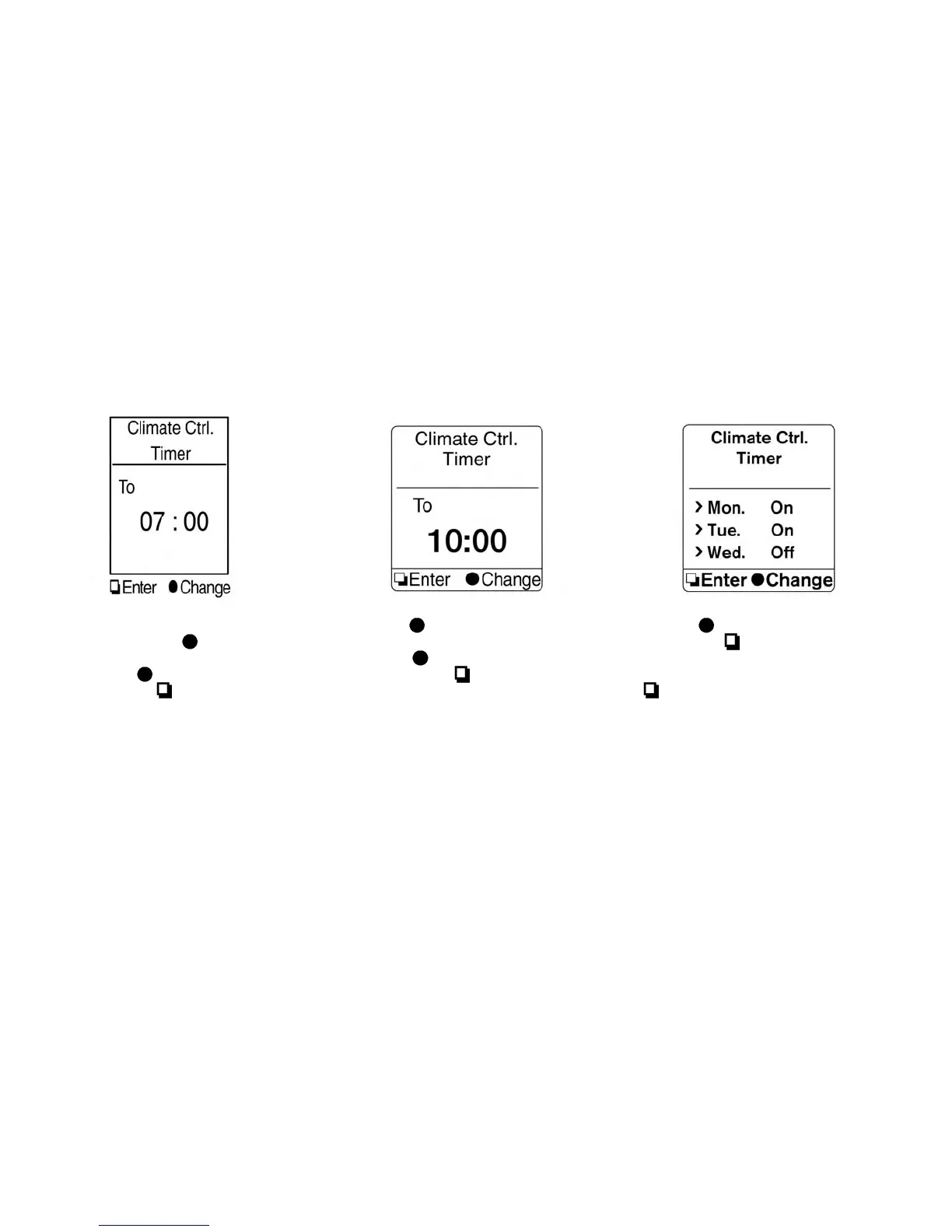
5. The hour portion of the time is highlighted on
the screen. Push the
switch to change
the hour field in increments of one hour. Push
and hold the
switch to fast forward the
hours. Push the
switch to move to the
minutes field.
6. Push the
switch to change the minute
field in increments of ten minutes. Push and
hold the
switch to fast forward the
minutes. Push the
switch to move to the
day of the week setting.
7. Push the
switch to set the day to on or
off. Push the
switch and then set the
next day with the same procedure. When all
days of the week have been set, push the
switch.
Display screen, heater, air conditioner, audio and phone systems 4-31



 To Next Page