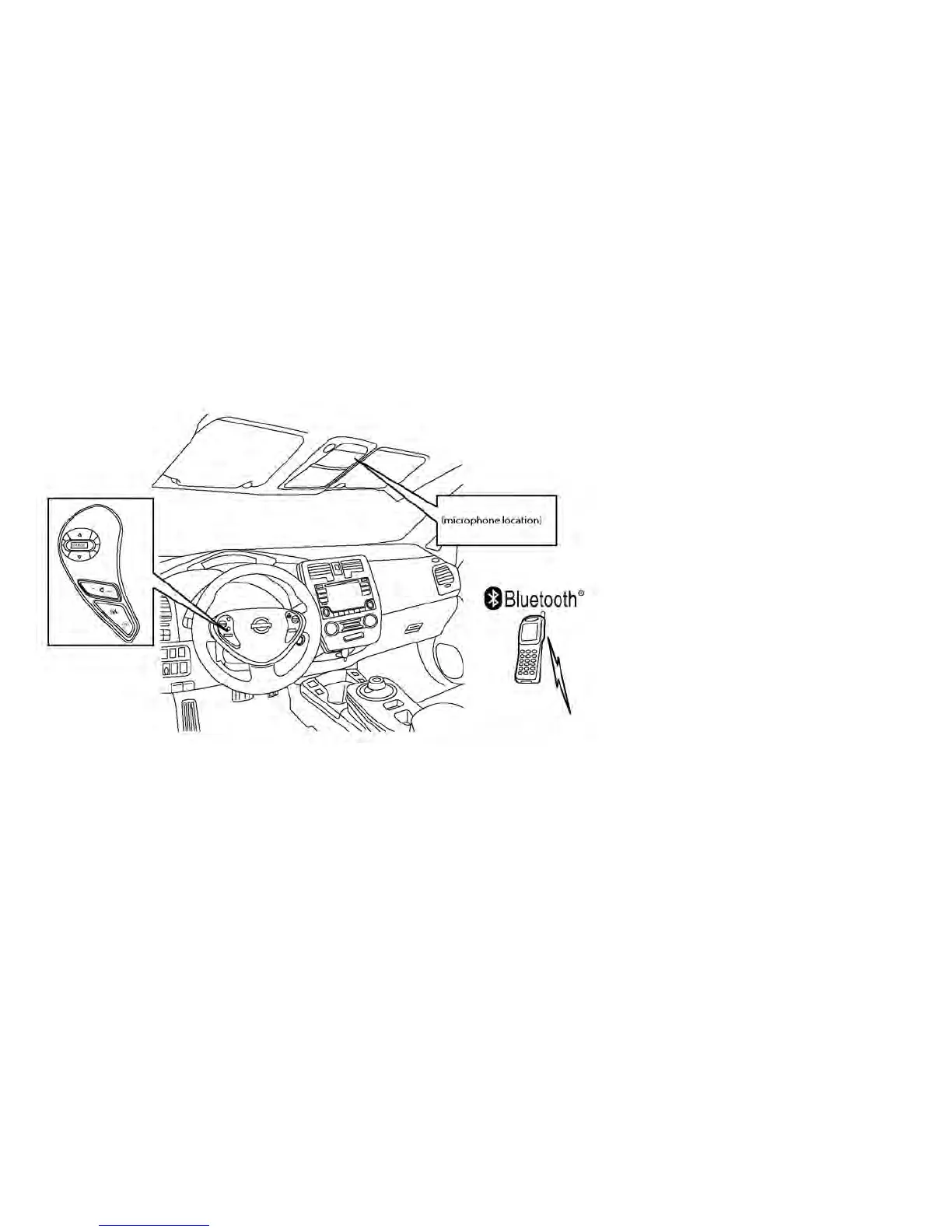
Your NISSAN is equipped with the Bluetooth®
Hands-Free Phone System. If you have a com-
patible Bluetooth® enabled cellular phone, you
can set up the wireless connection between your
cellular phone and the in-vehicle phone module.
With Bluetooth® wireless technology, you can
make or receive a hands-free telephone call with
your cellular phone in the vehicle.
Once your cellular phone is connected to the
in-vehicle phone module, no other phone con-
necting procedure is required. Your phone is
automatically connected with the in-vehicle
phone module when the power switch is placed
in the ON position with the previously connected
cellular phone turned on and carried in the ve-
hicle.
NOTE:
Some devices require the user to accept
specific connections for certain features
(such as phonebook download). If your
phone does not connect automatically to
the system, consult the phone’s Owner’s
Manual for details on device operation.
You can connect up to 5 different Bluetooth®
cellular phones to the in-vehicle phone module.
However, you can talk on only one cellular phone
at a time.
Before using the Bluetooth® Hands-Free Phone
System, refer to the following notes:
• Set up the wireless connection between a com-
patible cellular phone and the in-vehicle phone
module before using the hands-free phone
system.
• Some Bluetooth® enabled cellular phones
may not be recognized or work properly. Please
visit www.nissanusa.com/bluetooth or
www.nissan.ca/bluetooth for a recommended
phone list and connecting instructions.
4-60 Display screen, heater, air conditioner, audio and phone systems



 To Next Page