For additional information on setting and man-
aging custom text messages, refer to
“Bluetooth® settings” in this section.
Reading a received text message:
1. Press the
button on the steering wheel.
2. Say “Messaging” after the tone.
3. Say “Read Text” after the tone.
The text message, sender and delivery time are
shown on the screen. Use the tuning switch to
scroll through all text messages if more than one
are available. Press the
button to exit the
text message screen. Press the
button to
access the following options for replying to the
text message:
• Call Back
Speak this command to call the sender of the
text message using the Bluetooth® Hands-
Free Phone System.
• Send Text
Speak this command to send a text message
response to the sender of the text message.
• Read Text
Speak this command to read the text message
again.
• Previous Text
Speak this command to move to the previous
text message.
• Next Text
Speak this command to move to the next text
message.
Note
Text messages are only displayed if the
vehicle speed is less than 5 mph
(8 km/h).
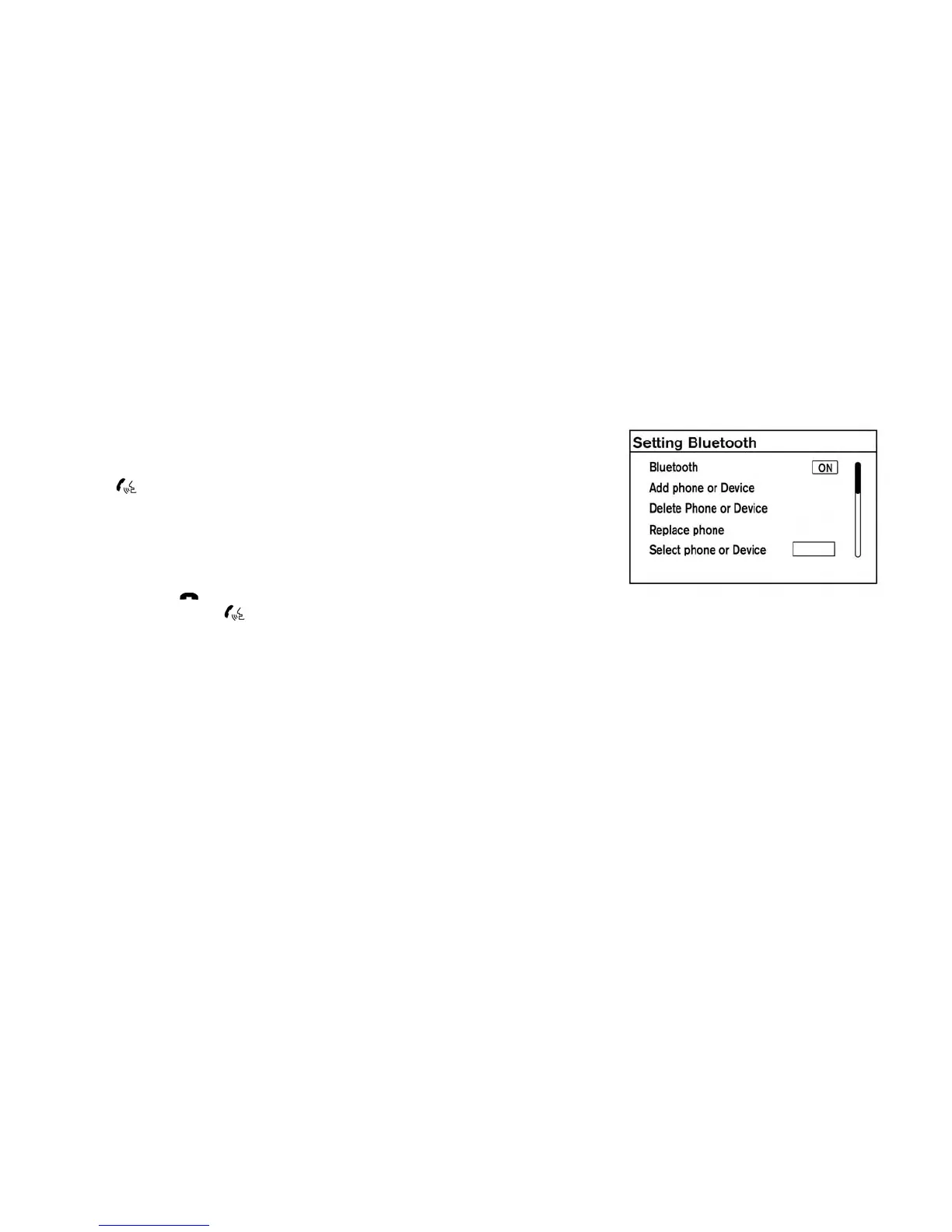
BLUETOOTH® SETTINGS
To access and adjust the settings for the
Bluetooth® Hands-Free Phone System:
1. Press the ENTER/SETTING button.
2. Use the TUNE/SCROLL or TUNE/FOLDER
knob to select “Bluetooth” and then press the
ENTER button:
• Bluetooth
• Select “On” or “Off” to turn the vehicle’s
Bluetooth® system on or off.
• Add Phone or Device
• For additional information, refer to “Connect-
ing procedure” in this section.
• Delete Phone or Device
4-68 Display screen, heater, air conditioner, audio and phone systems



 To Next Page