AUTO mode
To select AUTO mode, push the AUTO side
䊊
1
of
the charge connector lock switch. The indicator
light on the switch
䊊
3
will illuminate.
When AUTO mode is selected, the charge con-
nector is locked while charging is in process. The
charge connector will be unlocked automatically
when charging is complete.
LOCK mode
To select the LOCK mode, push the LOCK side
䊊
2
of the charge connector lock switch. The
indicator light on the switch
䊊
4
will illuminate.
When LOCK mode is selected, the charge con-
nector will remain locked. The charge connector
will be unlocked when UNLOCK mode is se-
lected or temporary unlock operation is per-
formed.
UNLOCK mode
To select UNLOCK mode, return the charge con-
nector lock switch to the level position. Make sure
the indicator light on the switch turns off.
When UNLOCK mode is selected, the charge
connector will remain unlocked.
Temporary unlock position:
When the charge connector lock switch is in the
AUTO or LOCK position, the charge connector
lock can be unlocked temporarily by using the
NISSAN Intelligent Key® or the charge port lid
opener switch.
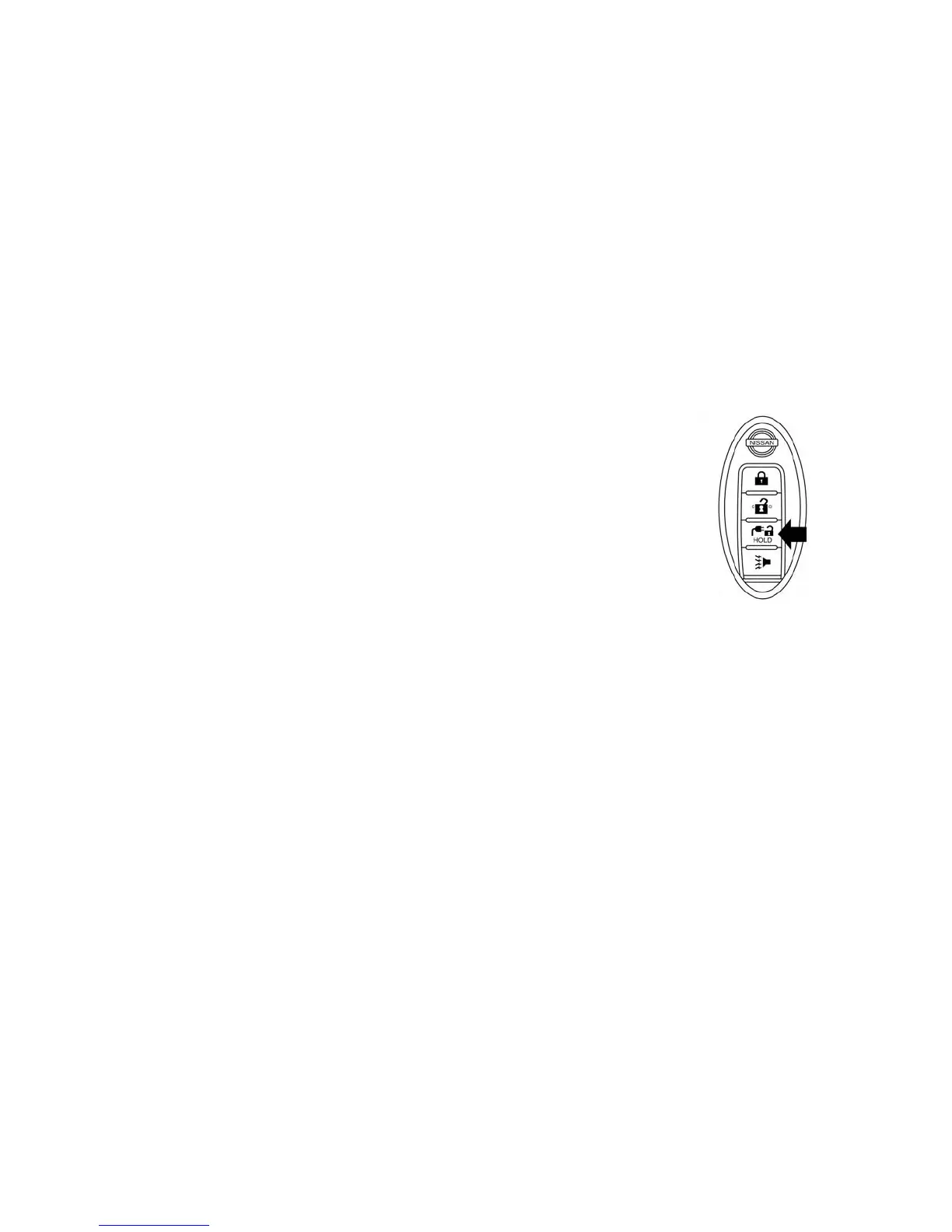
Unlock operation using Intelligent Key
1. Push the charge connector unlock button on
the Intelligent Key for more than 1 second.
2. The charging status indicator light flashes
three times and a beep sounds three times.
The charge connector lock is unlocked for 30
seconds.
3. After 30 seconds, the charge connector lock
is locked.
The charge connector lock can also be unlocked
for 30 seconds when unlocking a door or the rear
hatch (in this case, the charging status indicator
light does not operate). If the lock is operated again
within 30 seconds after unlocking the door/rear
hatch, the charge connector lock is locked again.
Charging CH-19



 To Next Page