Black plate (152,1)
Model "F15-D" EDITED: 2010/ 6/ 24
set manually. Touch the “+” or “−” key to adjust
the hours and minutes up or down.
. Daylight Savings Time:
When this setting is activated, daylight savings
time is on. Touch the “Daylight Savings Time”
key to toggle the setting on or off.
. Time Zone:
Choose the applicable time zone from the list.
SAA3395
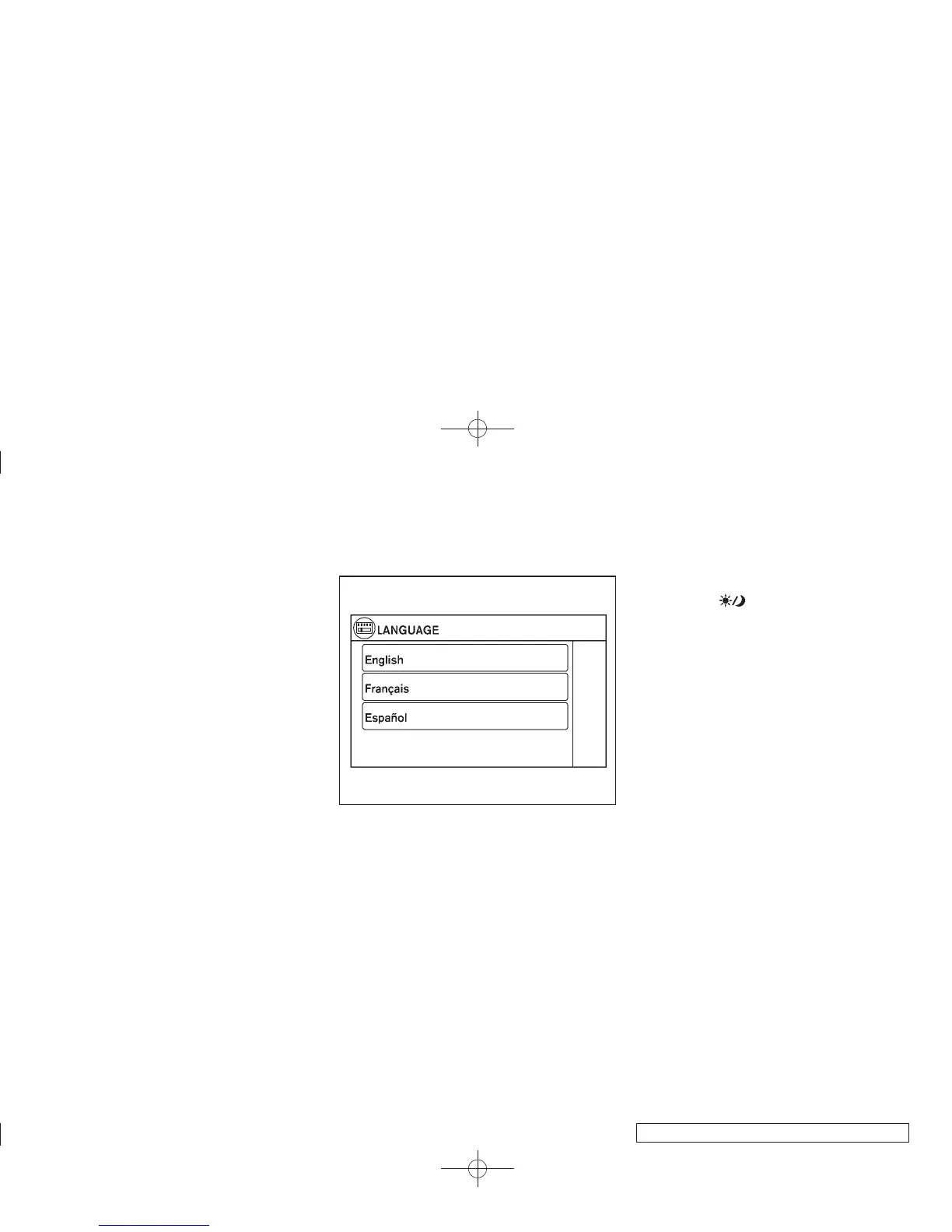
Language:
Select the “Language” key to adjust the
language used by the system. The language
can be set to English, Franc¸ais or Espan
˜
ol.
Touch click:
Select the “Touch Click” key to toggle the touch
click feature on or off. When activated, a click
sound will be heard every time a key on the
screen is touched.
Beep tones:
Select the “Beep Tones” key to toggle the beep
tones feature on or off. When activated, a beep
sound will be heard when a pop-up message
appears on the screen or a button on the unit
(such as the
button) is pressed and held
for two seconds.
Reset all settings/memory:
Select the “Reset All Settings/Memory” key to
return all settings to default and to clear the
memory.
Traffic setup
Refer to the separate Navigation System Own-
er’s Manual for information regarding this item.
4-8 Heater, air conditioner, audio and phone systems


 To Next Page
 Loading...