Black plate (87,1)
Model "F15-D" EDITED: 2010/ 6/ 24
SIC4580
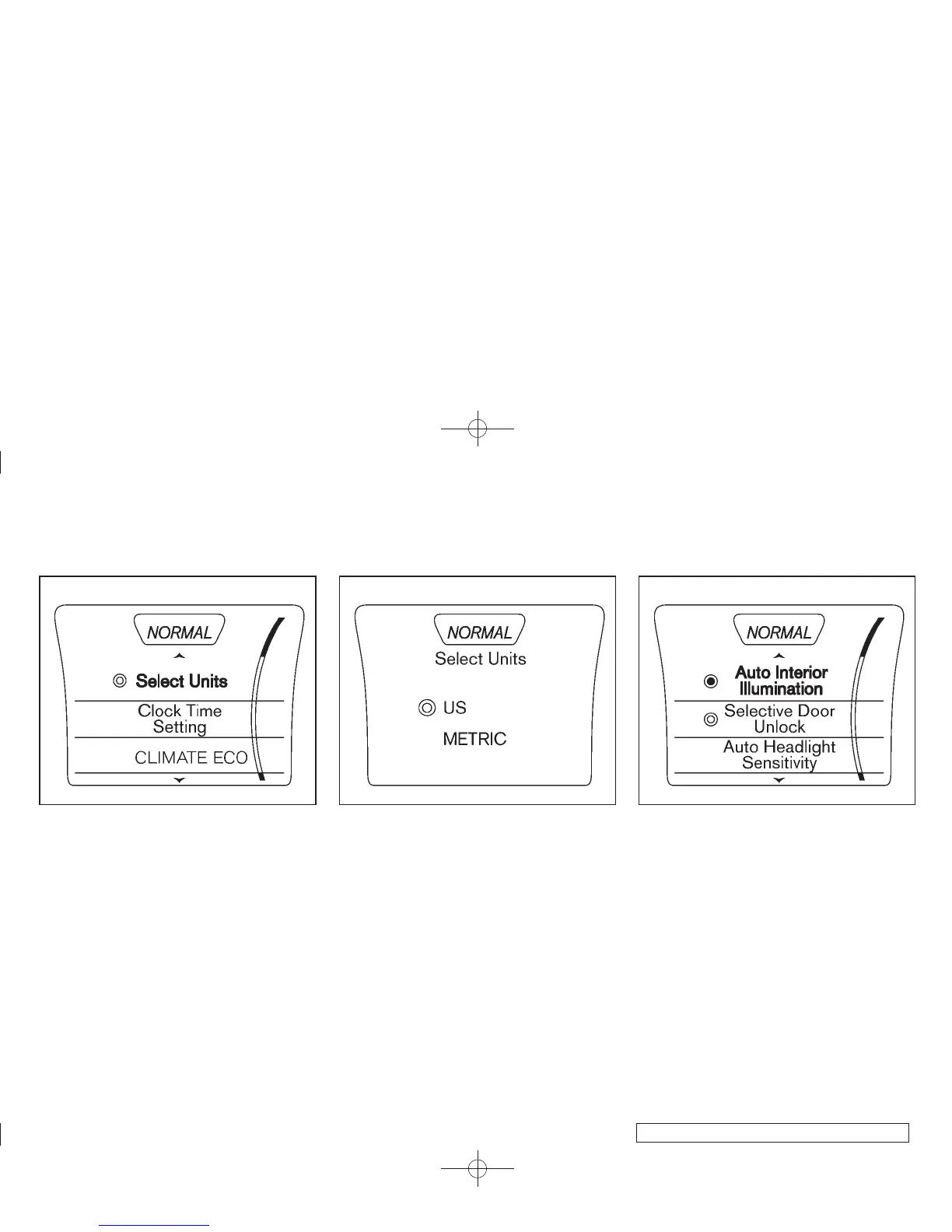
Select Uni ts
1. Press the Drive Mode Select button.
2. Press the SETUP button.
3. Turn the Selection dial to “Select Units” then
press the ENTER button.
SIC4581
4. Turn the Selection dial to select “US” or
“METRIC”, then press the ENTER button to
apply the selection.
SIC4605
Auto Interior Illumination
Select to turn the illumination of the interior
lights on or off when any door is unlocked.
1. Press the Drive Mode Select button.
2. Press the SETUP button.
3. Turn the Selection dial to “Auto Interior
Illumination” then press the ENTER button.
4. Turn the Selection dial to select “ON” or
“OFF”, then press the ENTER button to
apply the selection.
Instruments and controls 2-23



 To Next Page