To view detailed instructional videos regarding these and other features,
please go to www.nissanownersinfo.mobi.
28
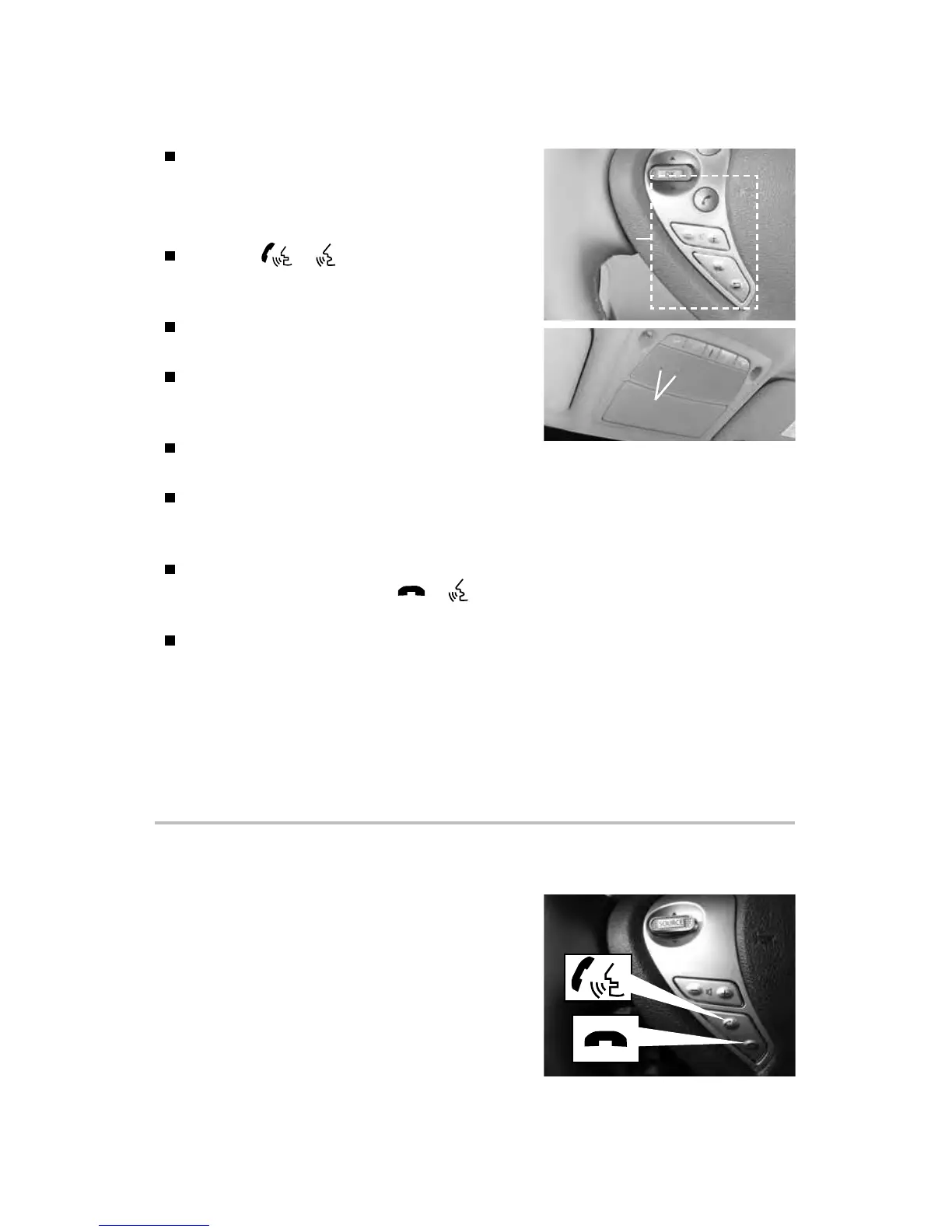
Bluetooth®
Controls
Microphone
BLUETOOTH® HANDS-FREE PHONE SYSTEM*
A cellular telephone should not be used
while driving so full attention may be given
to vehicle operation.
SYSTEM OPERATING TIPS
Press the or button on the steering
wheel to interrupt the voice prompts at any
time and speak a command after the tone.
The “Help” command can be used to hear a
list of available commands at any time.
Reduce background noise as much as
possible by closing windows and pointing
HVAC vents away from the ceiling.
Speak naturally without long pauses and
without raising your voice.
If you experience diculty with the Nissan Voice Recognition System recognizing
a contact name, please try saying both the rst and last name of the contact as
this improves recognition accuracy.
To cancel a Voice Recognition session, simply wait 5 seconds, say “Cancel” or
“Quit” or press and hold the or button on the steering wheel
for 5 seconds.
For more detailed information and instructions, see your cellular phone’s
Owner’s Manual and visit www.NissanUSA.com/bluetooth.
* Some jurisdictions prohibit the use of cellular telephones while driving.
Please see your Owner’s Manual for important safety information, system limitations, and additional
operating and feature information.
For more information, refer to “Display screen, heater, air conditioner, audio and phone systems
(section 4)” of your Owner’s Manual or please visit www.NissanUSA.com/bluetooth.
SYSTEM GUIDE
BLUETOOTH® SYSTEM WITHOUT NAVIGATION*
(if so equipped)
CONNECTING PROCEDURE
1. Press the ENTER/SETTING button.
2. Select the “Bluetooth” key.
3. Select the “Add Phone” key. This same screen
can be accessed to remove, replace or select
a dierent Bluetooth® device.



 To Next Page