To view detailed instructional videos regarding these and other features,
please go to www.nissanownersinfo.mobi.
26
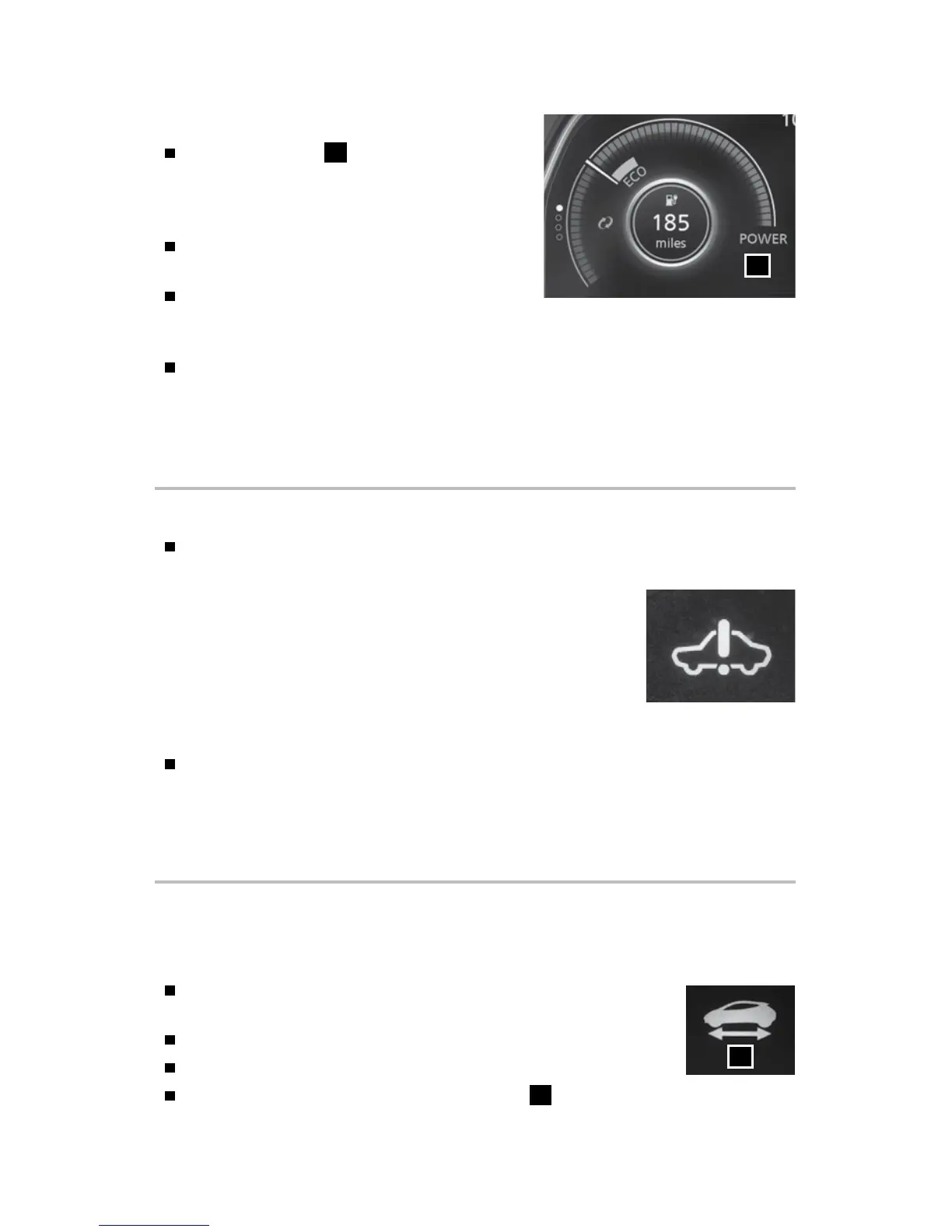
POWER METER
The power meter
1
displays the traction
motor power consumption and the
regenerative brake power applied to the
Li-ion battery.
The white segment moves to the right when
power is provided to the traction motor
The white segment moves to the left when
power is generated and provided to the Li-ion battery by the regenerative
brake system
The illuminated segments on the display are narrowed if the power provided to
the motor is limited or if regenerative braking is limited.
Please see your Owner’s Manual for important safety information, system limitations, and additional
operating and feature information.
For more information, refer to the “Instruments and controls (section 2)” of your Owner’s Manual.
ELECTRIC VEHICLE (EV) SYSTEM WARNING LIGHT
The warning light will illuminate if there is a malfunction in the
following systems:
• Traction motor and inverter system
• Charge port or on-board charger
• Li-ion battery system
• Cooling system
• Shift control system
• Emergency shut-o system
If the warning light illuminates, it is recommended that you visit a NISSAN
certied LEAF dealer.
Please see your Owner’s Manual for important safety information, system limitations, and additional
operating and feature information.
For more information, refer to the “Instruments and controls (section 2)” of your Owner’s Manual.
STARTING/STOPPING THE ELECTRIC VEHICLE (EV) SYSTEM
It is important to make sure the Nissan Intelligent Key® is with you (that is, in your
pocket or purse).
Conrm the parking brake is applied and push the P (PARK)
switch on the shift lever to place it in the P (PARK) position.
Depress the brake pedal.
Push the power switch to start the EV system.
Check that the READY to drive indicator light
1
illuminates
and the start-up sound is audible.
1
1
2948550_18a_Leaf_QRG_100317.indd 26 10/3/17 3:58 PM



 To Next Page