To view detailed instructional videos regarding these and other features,
please go to www.nissanownersinfo.mobi.
33
FIRST DRIVE FEATURES
CRUISE CONTROL (if so equipped)
The cruise control system enables you to set
a constant cruising speed once the vehicle
has reached 25 mph (40 km/h).
The system will automatically maintain the
set speed until you tap the brake pedal,
accelerate, cancel or turn the system o.
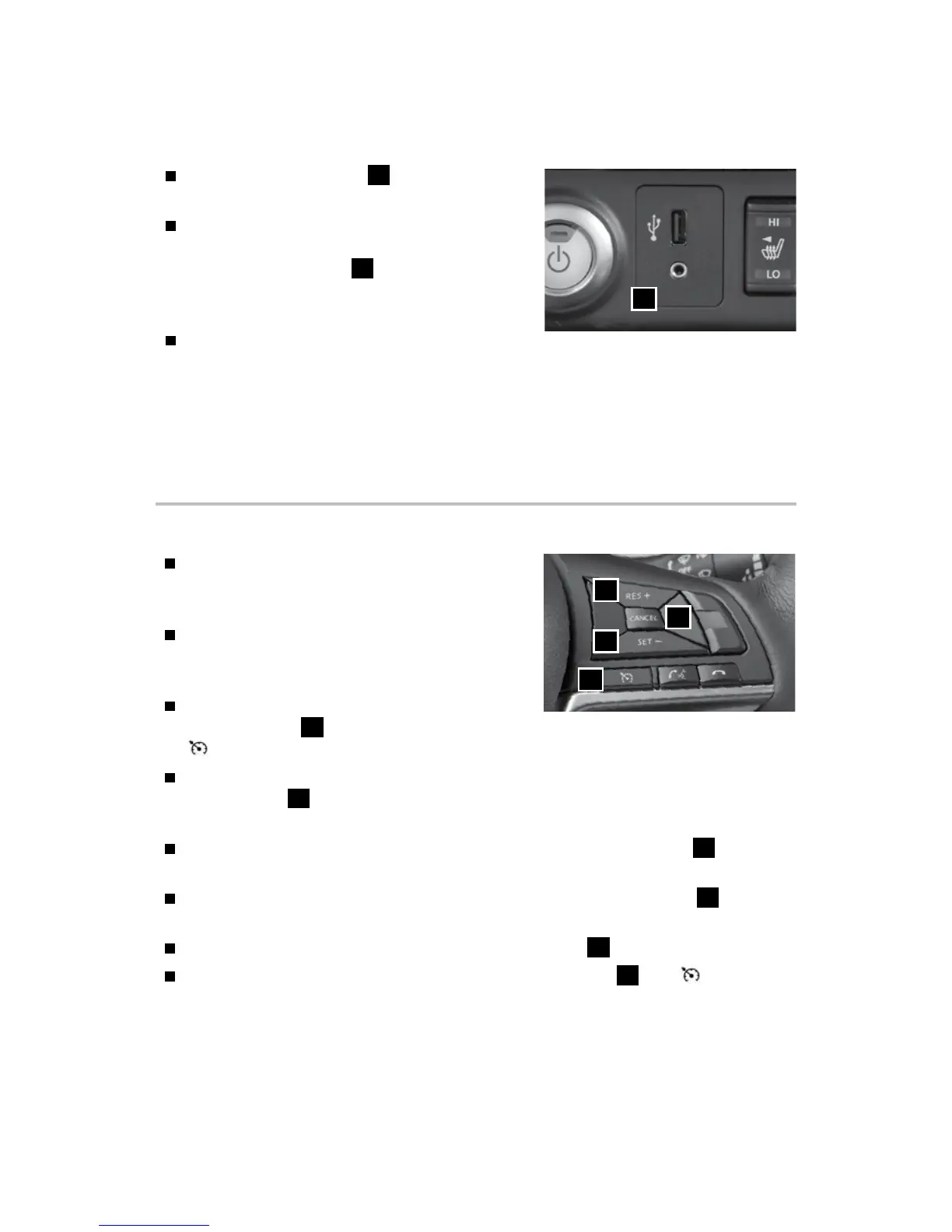
To activate the cruise control, push the Cruise
control switch
1
on the steering wheel. The
indicator light in the instrument panel will illuminate.
To set a cruising speed, accelerate the vehicle to the desired speed, push the
SET - switch
2
on the steering wheel and release. Take your foot o the
accelerator pedal. Your vehicle will maintain the set speed.
To reset at a faster cruising speed, push and hold the RES + switch
3
. When the
vehicle attains the desired speed, release the switch.
To reset at a slower cruising speed, push and hold the SET - switch
2
. Release
the switch when the vehicle slows to the desired speed.
To cancel the preset speed, push the CANCEL switch
4
.
To turn o cruise control, push the Cruise control switch
1
. The indicator
light in the vehicle information display will extinguish.
Please see your Owner’s Manual for important safety information, system limitations, and additional
operating and feature information.
For more information, refer to the “Starting and driving (section 5)” of your Owner’s Manual.
3
2
1
4
USB (Universal Serial Bus) CONNECTION PORT/AUX JACK AND
iPOD®
INTERFACE
The USB port/AUX jack
1
is located beneath
the climate controls.
When a compatible USB memory device,
iPod®
or auxiliary device is plugged into the
USB port or AUX jack
1
, compatible audio
les stored on the device can be played
through the vehicle’s audio system.
Touch the “USB/iPod” key to view the folder
list and track listing, playlist, album artwork, album name, artist and songs.
For a full list of compatible devices, refer to your NissanConnect® Manual (for Leaf).
Please see your Owner’s Manual for important safety information, system limitations, and additional
operating and feature information.
For more information, refer to the “Monitor, climate, audio, phone and voice recognition systems
(section 4)” of your Owner’s Manual and your NissanConnect® Manual (for Leaf).
1
2948550_18a_Leaf_QRG_100317.indd 33 10/3/17 3:59 PM



 To Next Page