23. SHIFT ⬙P⬙ warning (if so
equipped)
This warning appears alternating with door/rear
hatch open warning when the driver’s door is
opened with the shift position in any position
other than the P (Park) position. See ⬙Door/rear
hatch open warning (power switch is in the ON
position)⬙. If this warning appears, push the P
(Park) position switch and place in the P (Park)
position.
TRIP COMPUTER
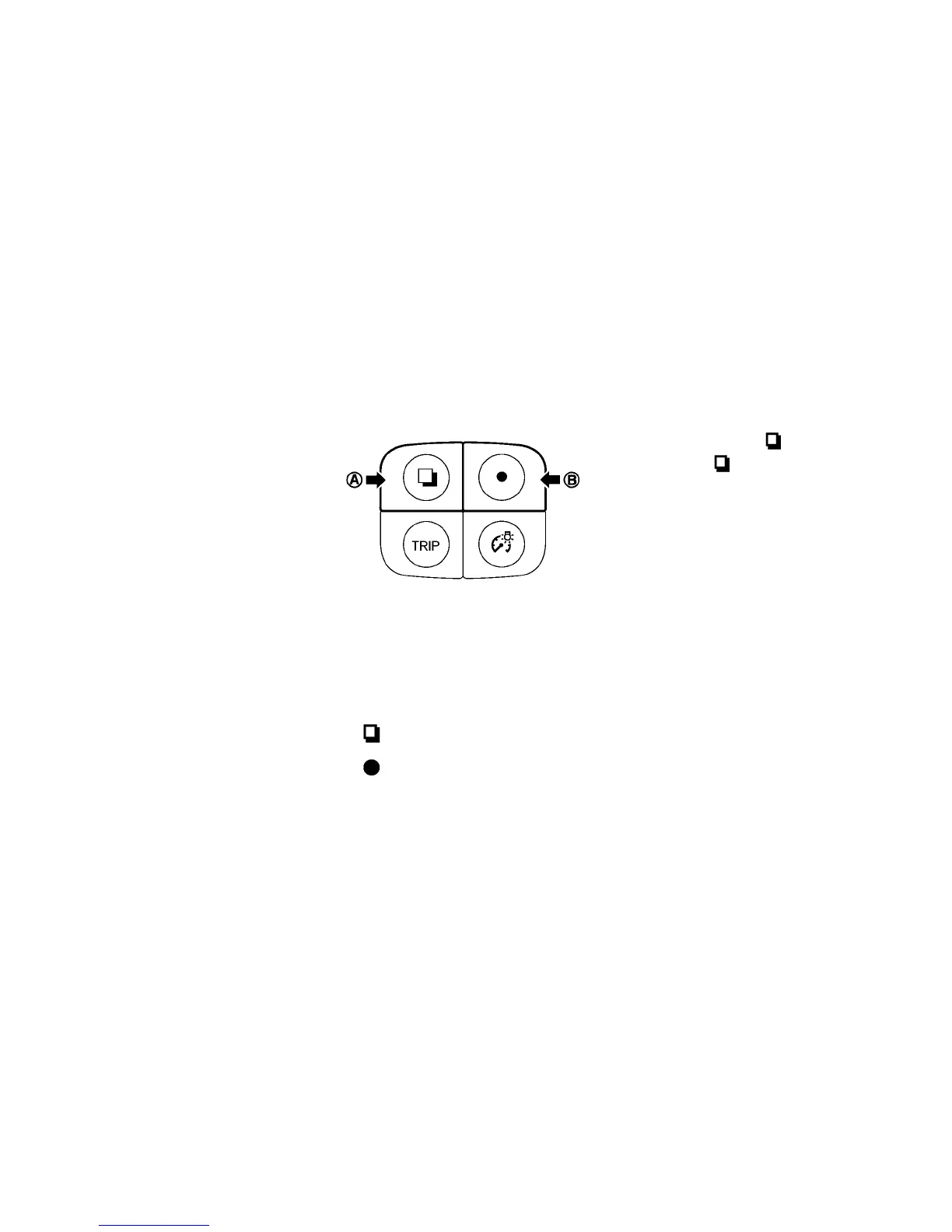
Switches for the trip computer are located on the
left side of the combination meter panel. To op-
erate the trip computer, push the following
switches:
䊊
A
switch
䊊
B
switch
When the power switch is pushed to the ON
position, modes of the trip computer can be
selected by pushing the
switch
䊊
A
.
Each time the
switch
䊊
A
is pushed, the
display will change as follows:
Charging time → Energy economy → State of
charge → Average speed → Driving distance and
elapsed time→ Setting → Warning check
Instruments and controls 2-27





 To Next Page